The All-New Creator+ package integrates D2L authoring tools with H5P Premium so you can create, share, and reuse interactive HTML5 content in Brightspace. The H5P tab in Createspace provides a centralized view of your H5P Content Library, where you can manage interactives outside a specific course.
Access the H5P Content Library
Once configured, access the H5P Content Library in one of the following ways:
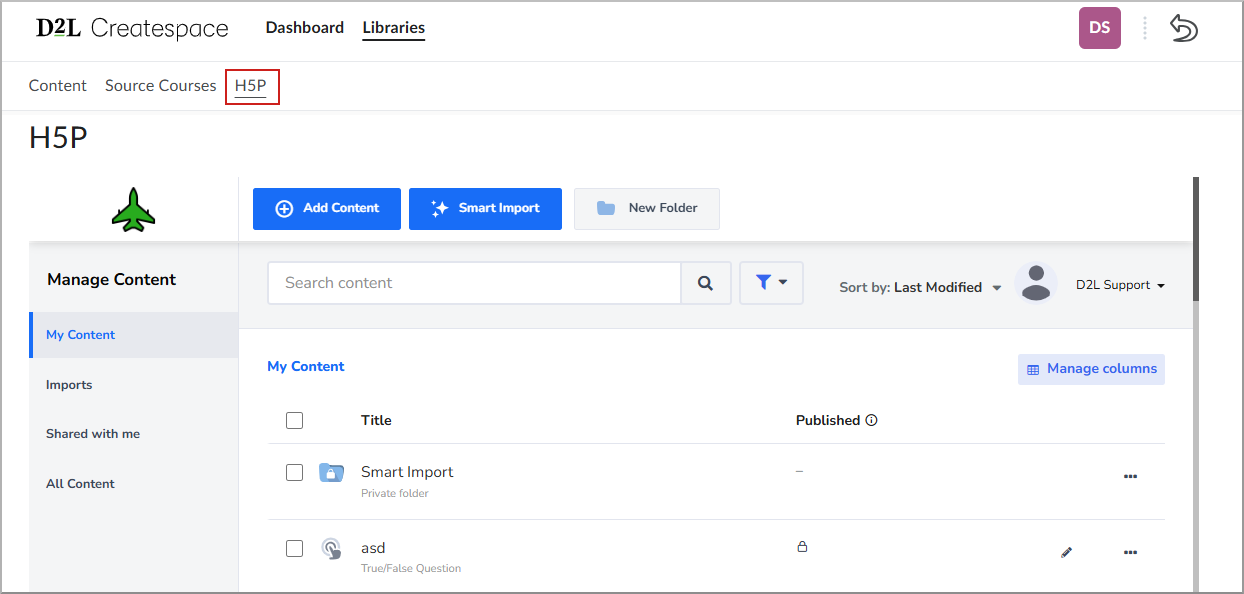
- From the navbar: Select Admin Tools > Createspace, and then select the H5P tab in the navigation bar.
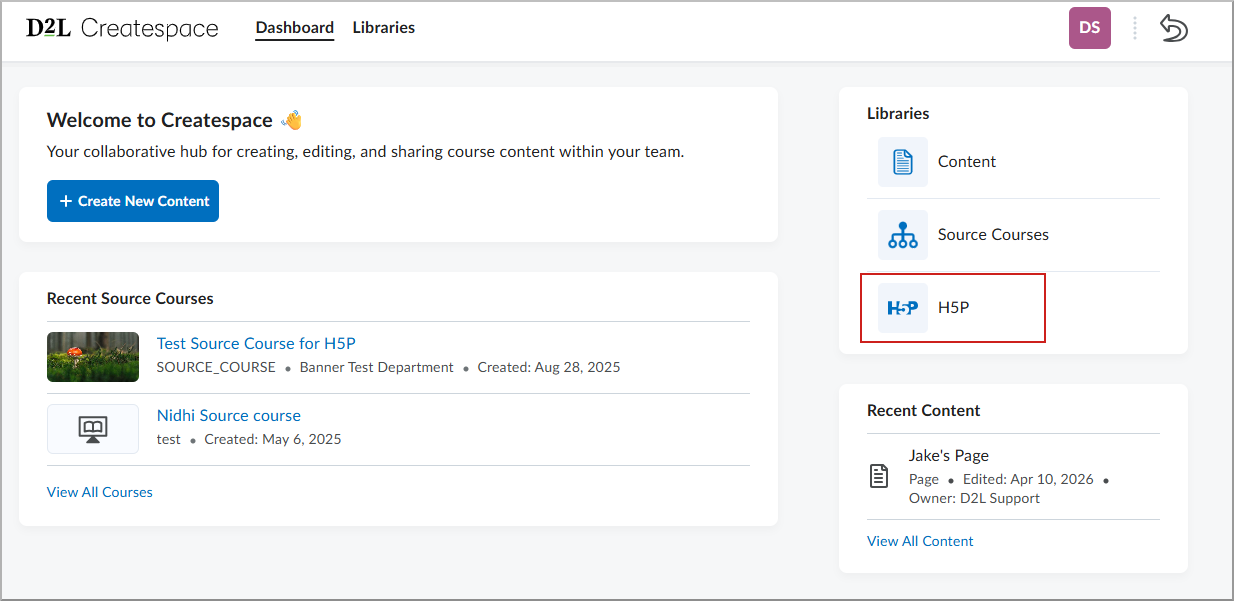
- From the Dashboard: Select Admin Tools > Createspace, and then select H5P in the Libraries widget.
Manage H5P content
The H5P tab displays your full H5P Content Library. From this page, you can do the following:
- Browse: Search and filter your existing H5P interactives.
- Manage: Organize your content into folders within the H5P interface.
- Author: Create new H5P interactives to insert into Brightspace courses.

|
Note: Use the H5P tab in Createspace to manage and author H5P content. To insert H5P content into a course, use Insert Stuff in the Brightspace Editor. |