You can create surveys at the organization level and make them available for use across multiple course offerings and other org units. This is useful when you want to standardize feedback collection or reuse a survey without recreating it in each course.
To create and share an org-level survey
- From your Organization homepage navbar, click Surveys.
- Click the dropdown arrow beside the survey you want to share and select Edit, or create a new survey.
- Select the Restrictions tab.
- Under Special Access, enable Make this survey available to users at other org units.
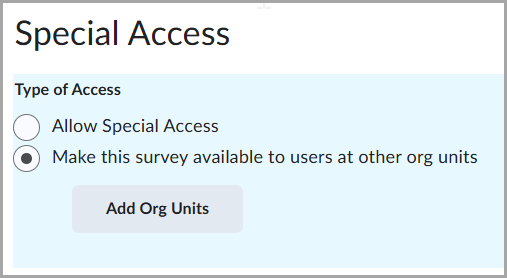
- Click Add Org Units to select the Course Offerings, Templates, Departments, Programs, Semesters, or any other org units where you want the survey to be available. Confirm by clicking Insert.
- Click Save and Close.