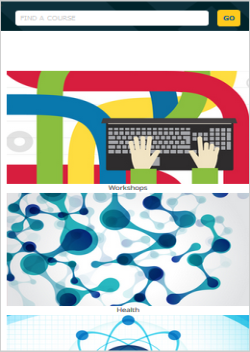
Below are examples of product display options from a demo store. The exact look of each layout depends on your customized template and how your store has been configured during the build phase. For questions or customization requests contact Course Merchant Support.
To change the layout of a category, open it for editing and locate the Products Display section.
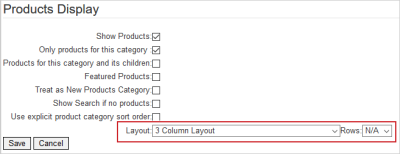
If you set Layout to N/A, it either inherits the layout from a parent category or uses the store default layout.
The Rows setting controls the number of rows of products on each store page. If it is set to N/A, all the products in this category are displayed on one page.
Single Product Layout
A single column of products. Shows the full product listing including related products.
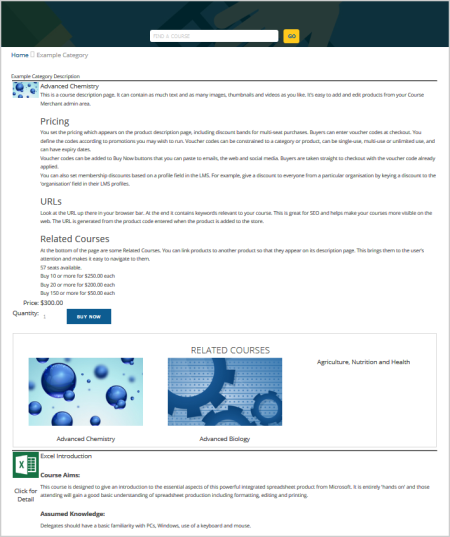
Single Product Layout (No Images)
A single column of products with no thumbnail images. Shows the full product listing including related products.
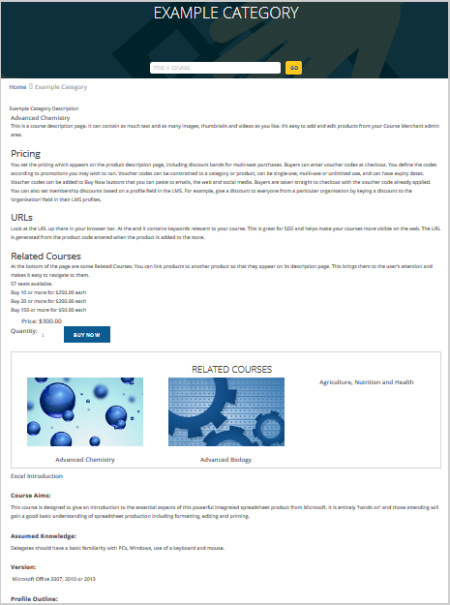
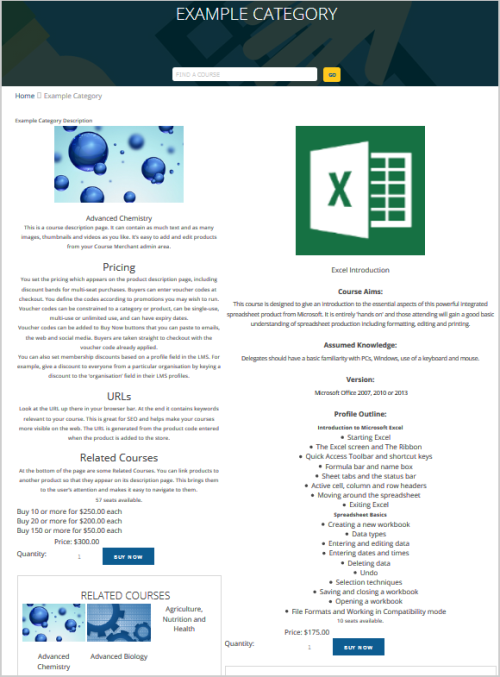
Double Product Layout
Two columns of products. Shows the full product listing including related products.
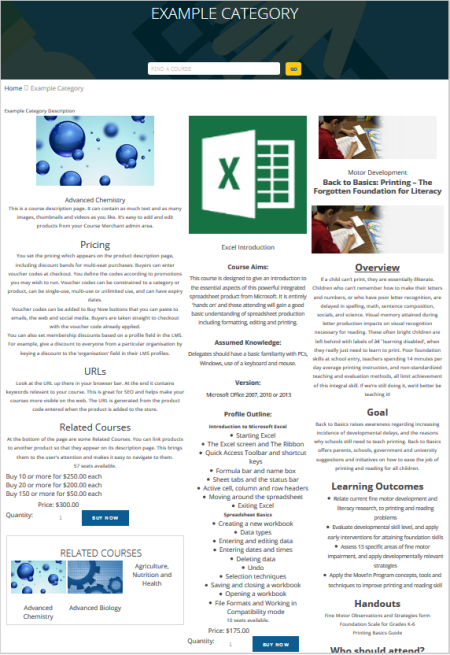
Triple Product Layout
Three Columns of products. Shows the full product listing including related products.
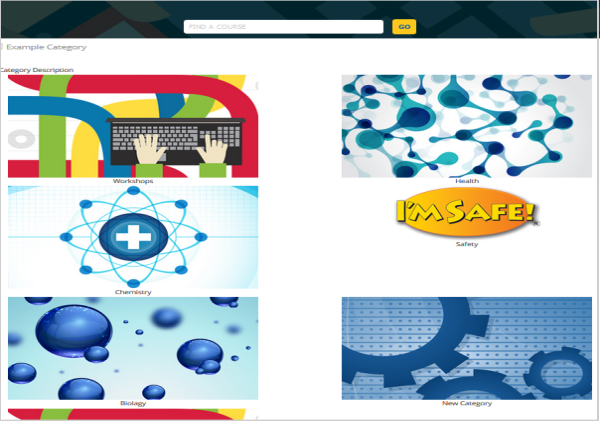
2 Column Layout
Two columns of categories.
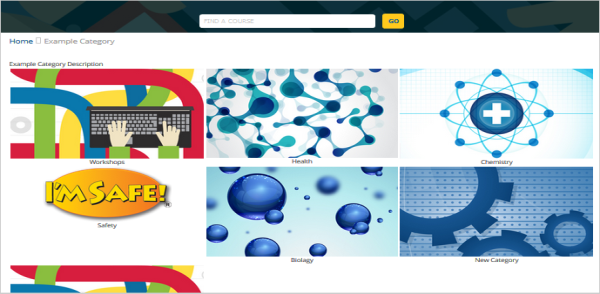
3 Column Layout
Three columns of categories.
4 Column Layout
Four columns of categories.
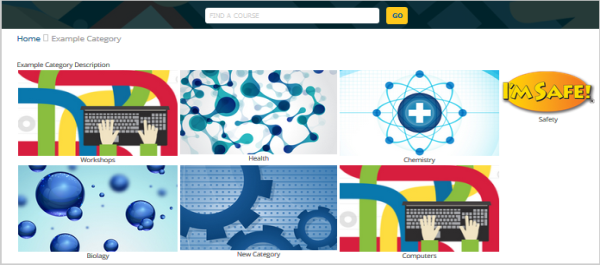
6 Column Layout
Six columns of categories.
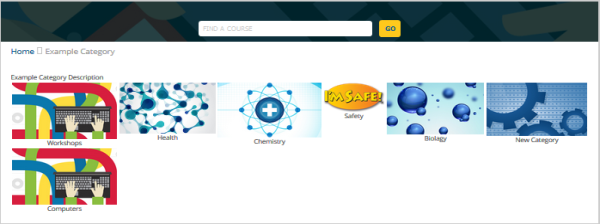
Grid Listing (No Images)
A single column of categories.