You can set the availability of specific tools in your organization. If you make a tool available, users with correct permissions can see and use that tool.
Set Org Unit Defaults for tool availability
You can choose which tools are available by default for all Org Units within your organization.
To set Org Unit Defaults
- From your organization homepage, click Admin Tools > Organization Tools.
- Click the Org Unit Defaults tab.
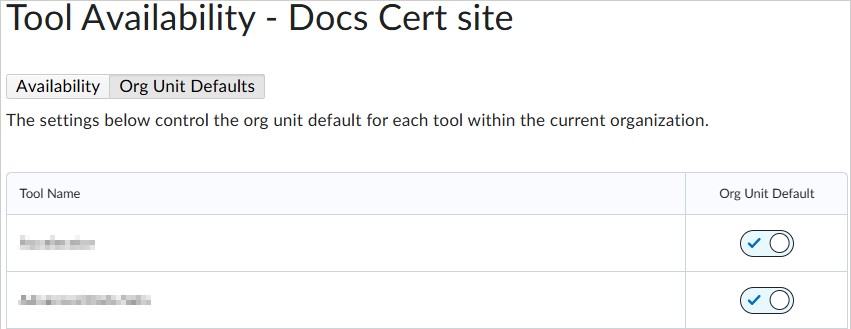
- Under Org Unit Default, toggle a tool as On (checkmark) or Off (circle).

|
Important: If you are turning off a tool that was previously available to all org units, you are prompted to confirm the setting for all newly created org units. You can also select whether or not to update this availability setting for all existing org units, which overrides any existing tool availability for those org units.
|