The Glossary tool allows you to define key terms used in a course and provide learners with clear, consistent definitions. A course glossary helps reinforce terminology, improve comprehension, and support subject-specific language development.
You can create, edit, import, and delete glossary terms. Learners can access the glossary at any time to review definitions.
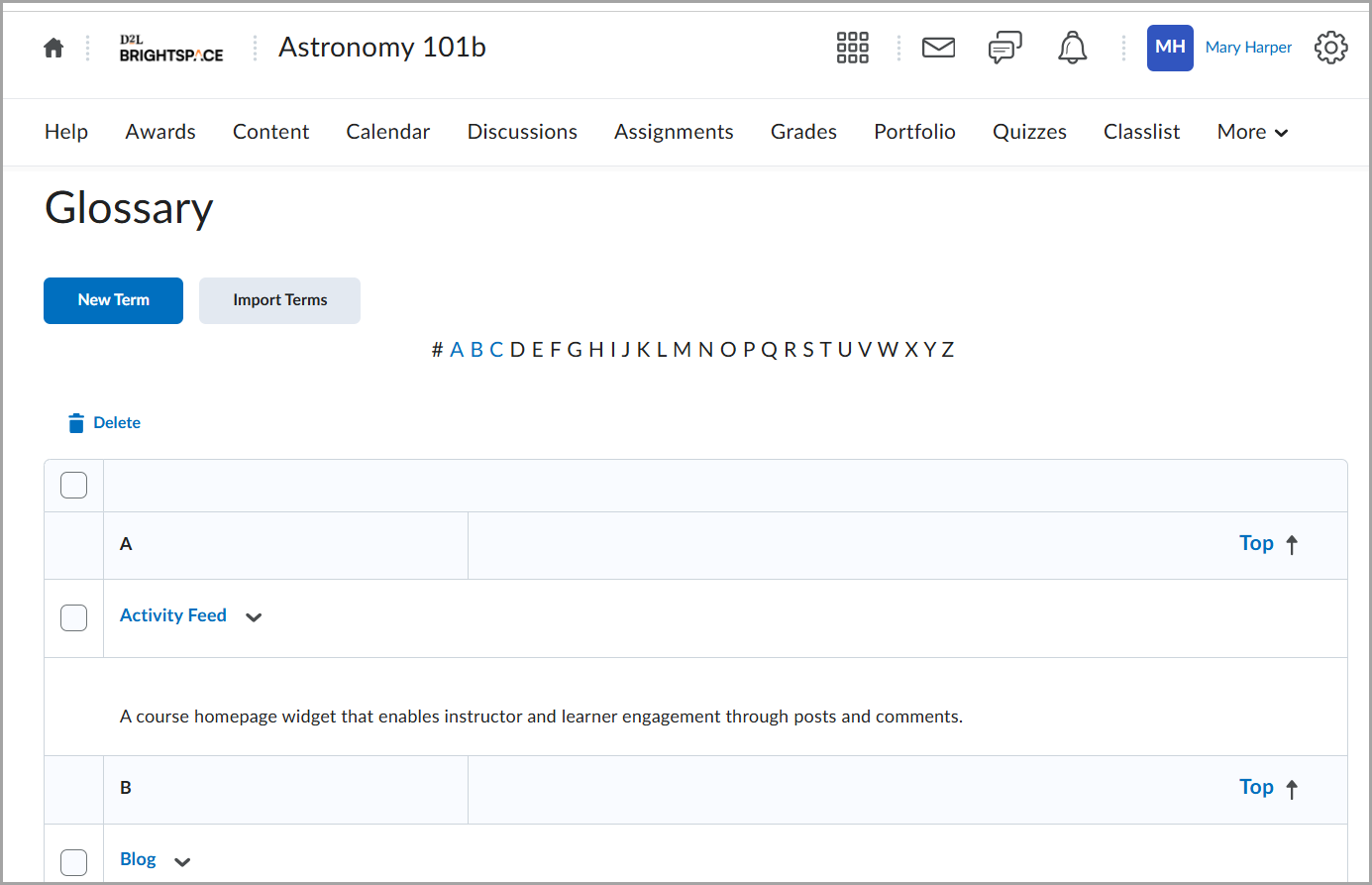
Glossary terms typically include:
- A term name
- A definition
- Optional additional information (such as links or formatting)
The Glossary tool supports:
- Manual creation of individual terms
- Editing existing terms
- Deleting terms
- Importing multiple terms at once
- Accessing and browsing terms alphabetically
The glossary is course-specific. Terms created in one course are not automatically shared with other courses unless imported.