Use templates in your course to improve the visual quality of your content and encourage learner engagement.
Add templates in Content
- Navigate to Content.
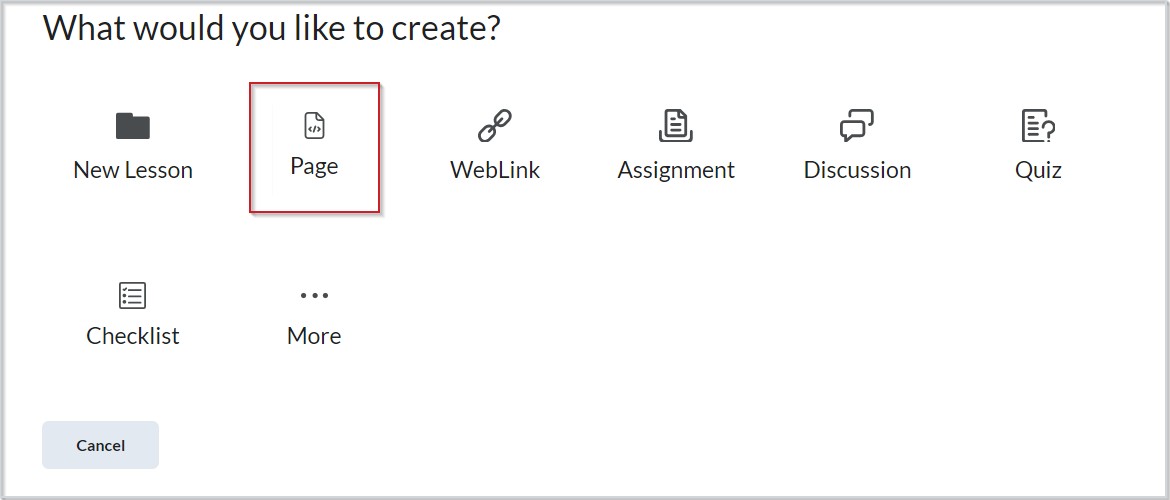
- Click Create New > Page. If the Immersive Experience is enabled, click Add > Page.
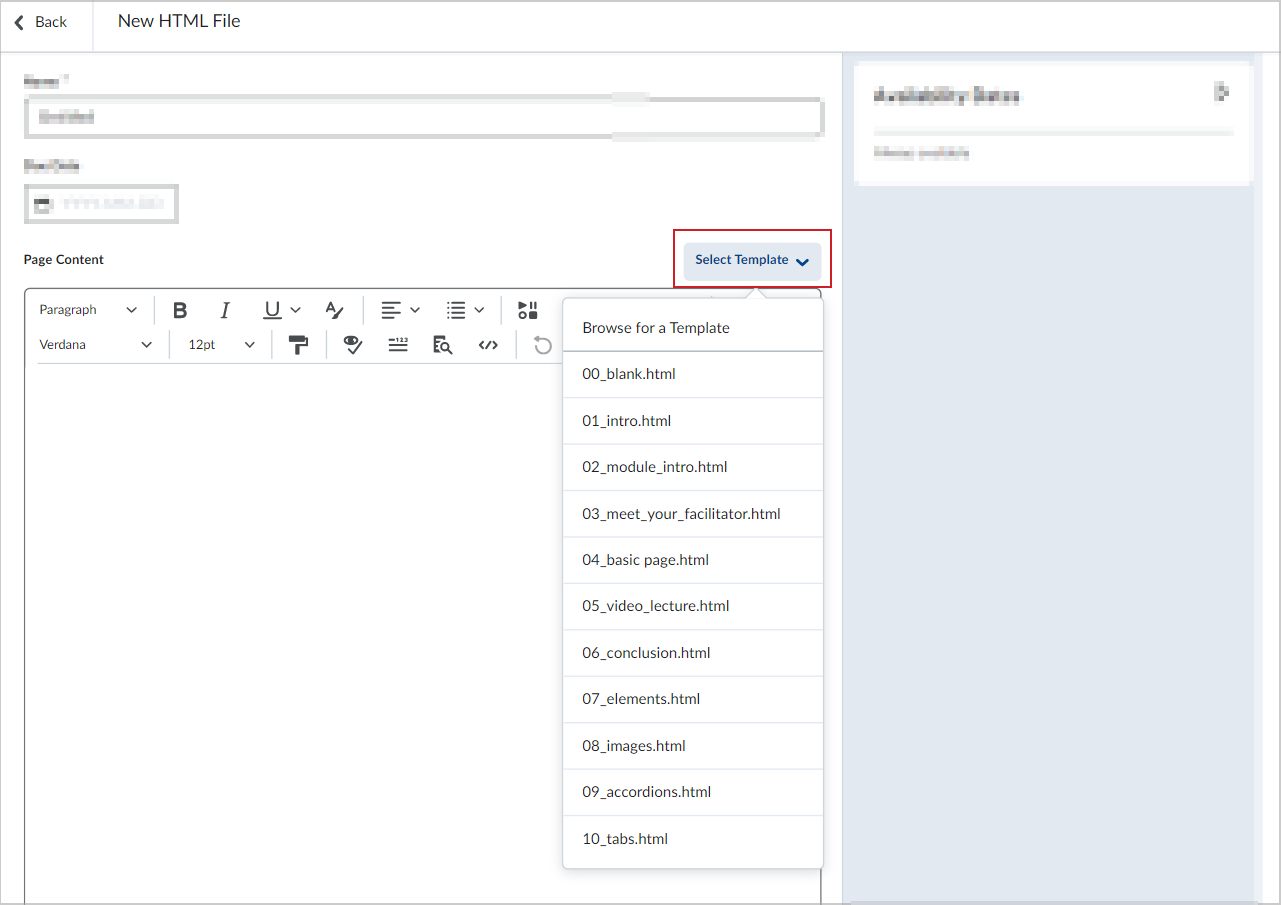
- On the New Page page, click Select Template.
- Click an available template or select Browse for a Template to view other template offerings.
- Edit your topic with the new template.
- Toggle the Visibility to Visible or Hidden.
- Click Save and Close.
