The Glossary tool allows you to find clear, consistent definitions of terms used in your course.
You can access the glossary at any time to review definitions from the course navbar or Course Admin > Site Resources > Glossary.
The glossary displays a list of terms in alphabetical order.
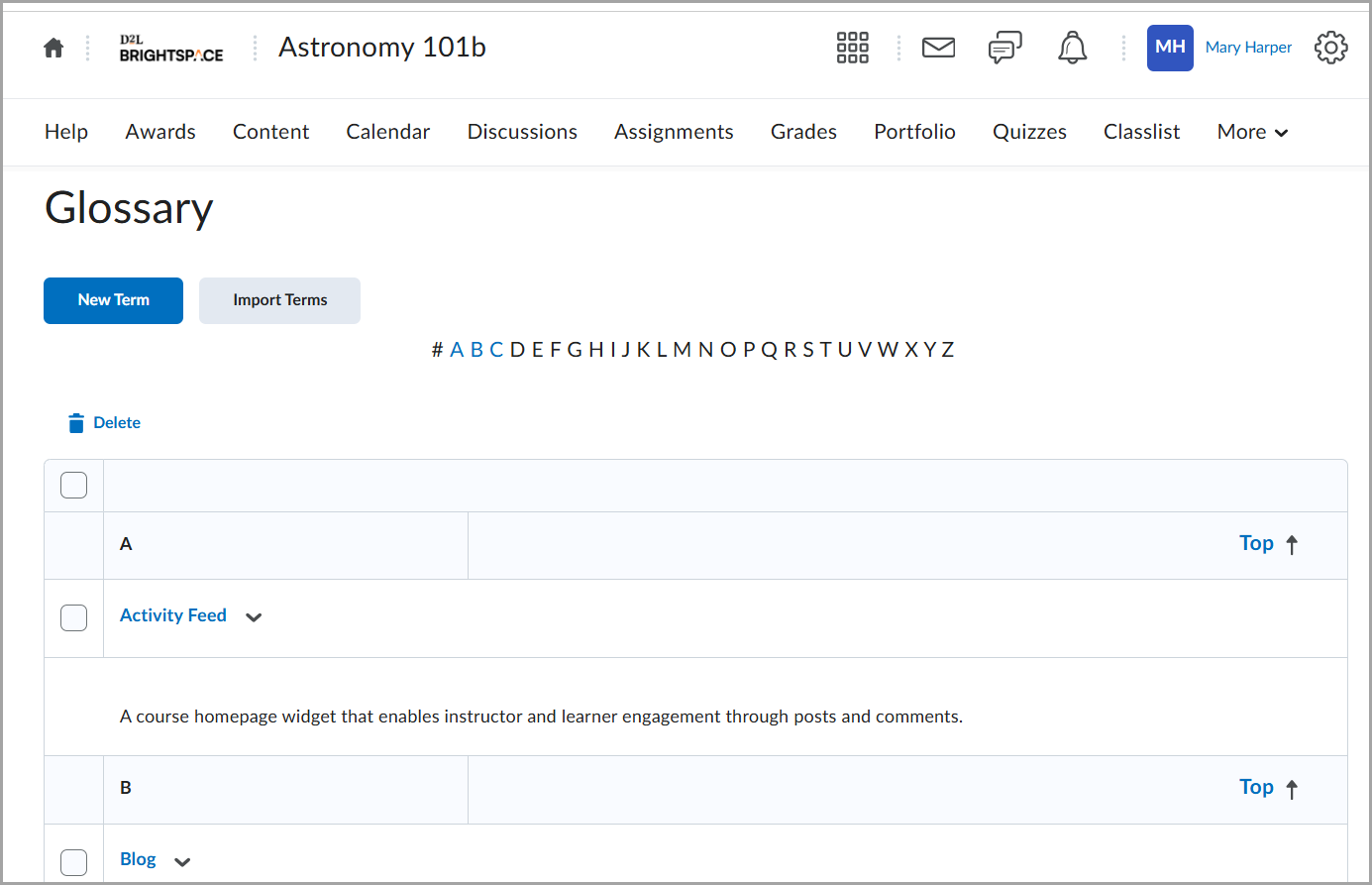
Glossary terms typically include:
- A term name
- A definition
- Optional additional information (such as links or formatting)
The glossary helps you:
- Understand subject-specific vocabulary
- Review key definitions before quizzes or assignments
- Clarify unfamiliar terminology
If you believe a term is missing or unclear, contact your instructor.
To browse and view terms
- Click a term to view its definition.
- Use alphabetical navigation (if available) to jump to specific letters.
- Scroll through the list to explore all defined terms.