Best Of
Re: Definition of “Anonymous” differs
The new interface has the option "Allow learners to hide their name from other learners". However, since we have disabled "See Anonymous Post Author" in the permissions, the names are also hidden from instructors. Is there a way to indicate to students that the post will be truly anonymous? They might not be willing to provide course feedback if they believe that instructors can see their names.

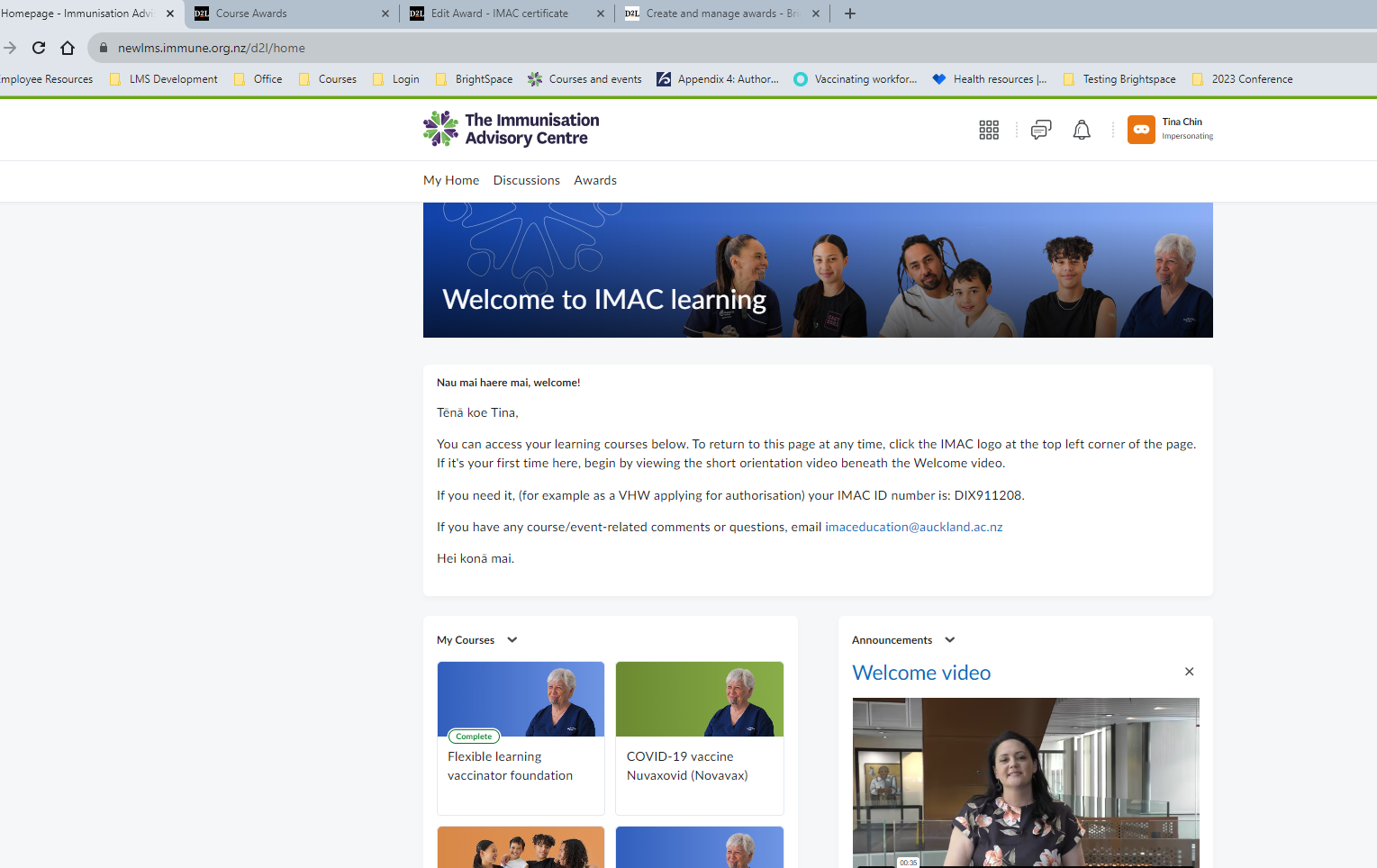
Complete button showing
Kia ora,
Where can I check what causes the Completion button to show within a course. See image for reference.
User has yet to complete all course requirements. Release conditions have not been met. Event logged has nothing.
User details:
Name: Tina Chin
Course: Flexible learning vaccinator foundation
Complete button appears on landing page under my courses.
RC for award: completes assessments above or equal to 80 percent and completes tutorial assignment
User has not completed assessments.
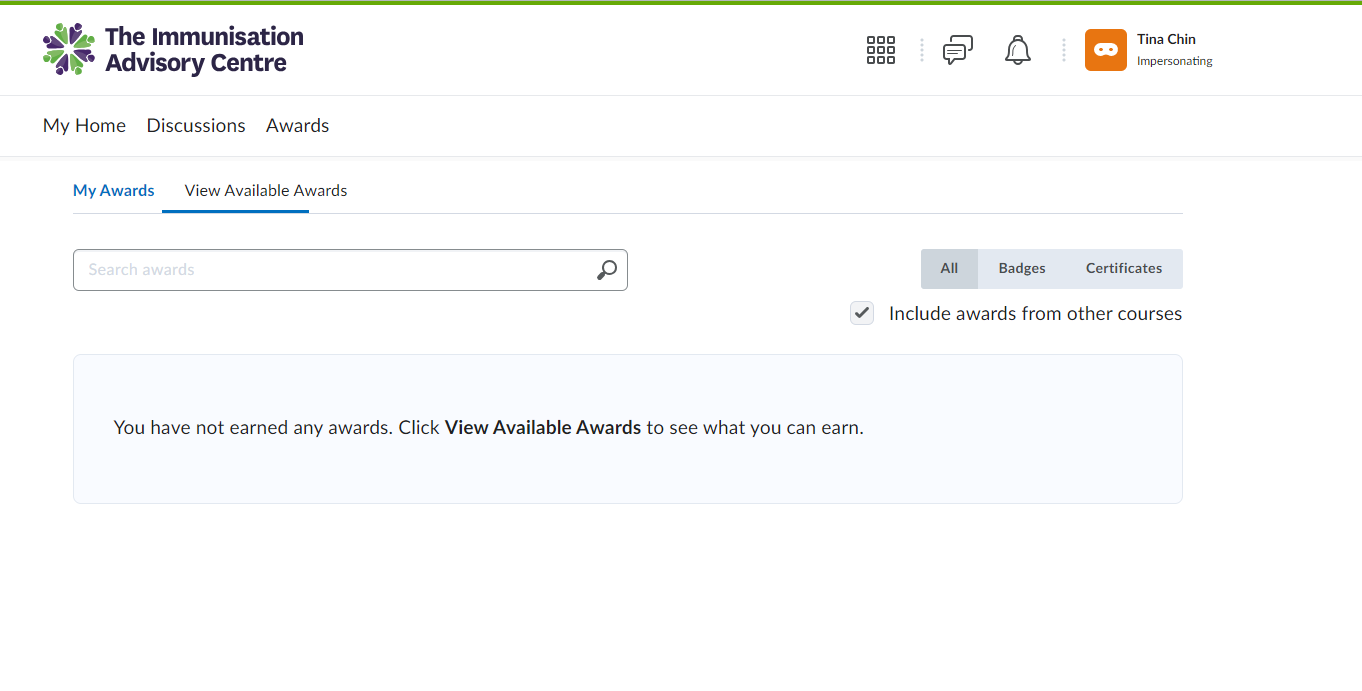
Award has not been given. NO awards available for her.

Complete Button - error
This morning we had a user call us regarding one of her courses.
User is enrolled in Course
Grades - has not completed the assessment
Award- Not achieved
Although the user has not been graded and has yet to achieve her award, the course 'Complete' button is showing (see attached image).
I checked the event log, no one has marked her as completed the grading items ( Tutorial, Assessment). Everything is showing as correct.
I am wondering what is causing the 'Complete' button to display in the course?

Hide image name in Brightspace questions
Is there a way to hide the name of an image that is used in a Brightspace question or to disable the "save image as" function?
For example, when creating a matching question where you ask the students to match a picture with a phrase…..if you import the image then the name of the image is visible if they right mouse click on the image and say, "same image as".
I would rather use image names that mean something as opposed to just "Image 1" or "Question 1".
GRADES/ MARKBOOK/ KTCA

Disappearing page
I have created a html page including a carousel. The page has disappeared from my view, however it is visible to other people who have access to the subject. My colleague has taken the carousel out of the page and I can see it without the carousel element. When the carousel is put back in, the page disappears again.
Does anyone know why this would be happening.
Thankyou in anticipation
Sharon

Group Notifications for Instructors
We have courses with that use the same course shell but has two instructors with their own group of students. We've created the groups in the courses. Is there a way that instructors can only be notified only when their students complete assignments?

Glossary
Where can I find information on creating and connecting the glossary to the content?



Re: Best way to display course size information to faculty?
I'm looking to do something similar but it doesn't seem possible to get the size of all files stored in Manage Files within each course offering if the Content Files Properties Log data set only includes files that are linked to a Content object. Is there a way to get the list (and size) of files that are saved to Manage Files but NOT linked to Content?
SFTP file processing
Files I am sending via SFTP are not being processed. I can manually upload files to IPSIS to process. I am showing that there is no error transferring the file from my end. I need some help troubleshooting.