How to Share A Link in Multiple Pages/Modules
Basically, same request as this one but with a link, rather than a page- I want 1 link to manage, appearing in multiple modules.
While I'm at it, maybe should be a separate question, but what is the point of the links created in the Course Admin>Links tool discussed here in the guide? It says we can use these links in the "insert stuff" tool in the editor (guide), but that doesn't really seem to work, or at least, not well in my environment; one of the links I have is cumbersome but addable, while others are completely invisible in the "insert stuff" dialog.
I would think that creating/managing links here would (also? Instead?) allow insert in a module under "existing activities", but that's not available, either. Being able to copy/paste/duplicate an existing link to another space in course builder would be another route to accomplishing my desired outcome. I'm certain there are others…
Thank you for looking.
I appreciate any pointers.
Answers
-
Hello Andrew. Thanks for your question!
The Links tool that you find within Course Admin is more so meant to be a tool that organizes class links, not those that get inserted into modules. Normally if the Links tool is going to be used, there will be a navbar link to the tool that learners can use.
I think I would suggest using the Learning Objects Repository (LOR) for this. Once you create an external URL link within the LOR, you can add it a content module directly, and you can also use the insert stuff menu to add it to an HTML page that.
If there's ever a need to update the URL, you can overwrite the existing LOR object and it will update anywhere that it exists (including within a content HTML page), as long as when you first load the LOR object you select to dynamically link it to the newest version.
HERE is some information regarding the LOR.
Please note, depending on permissions within your system, you may need to work with your administrator to get a repository set up that you can add these items to.
Hoping this helps!
~Stephen -
Thank you, @Stephen.R.50
Regrettably, our administration has determined that LOR is not something we are allowed to use (well, we are allowed to publish, but do not have the required trust permissions to access any repositories) so I can't really try this out.
-
Hi @stephen.r.50
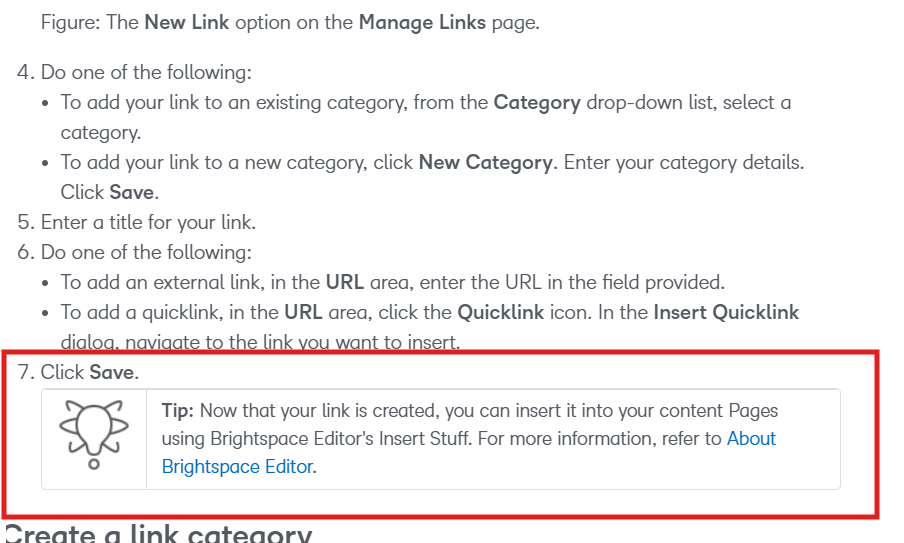
the documentation on the brightspace community clearly states that the links can be used by clicking the 'insert stuff' button. This seems to be incorrect then? We also don't really know how to use the links in the course admin tools, it is unclear where you can find these links within a course.
I have included a screenshot of the documentation about the links.
regards
Roel van Doorn
-
Hello @Roel.v.179 thanks for your follow up, so we can correct this!
I will connect with our team here at D2L and get that page adjusted.
For using the Links tool, it should be accessed by users on the Course Offering navbar. Assuming the tool is enabled within a course, and all the correct permissions are accessible for your various roles, both instructors and learners can access the tool this way. If a navbar link is not applied to the Course Offering, only the instructor will be able to access the tool through the course administration area.
Hope that this helps!