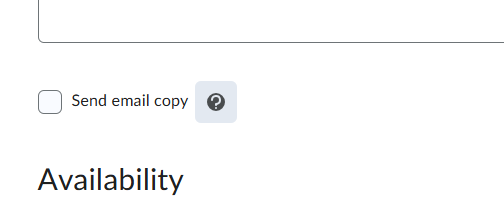
It is my understanding that the following was implemented in Nov. 2025…
"the user interface for creating or editing an announcement, a new Send Email Copy checkbox now appears when an instructor creates or edits an announcement.
This feature implements the following Product Idea Exchange (PIE) items:
- D1923 (Email Notification Option when Creating New News Items)
- D3817 (Default email notification when publishing a news item).
I am not seeing any checkbox with this option and the enabling instructions are unclear, and I am finding nothing under Course Admin to grant permissions or enable this option.
To enable:
- Ensure the Announcements > Send Email Copy permission is granted to Instructors at the Course Offering level.
How to we make sure permission is granted to us instructors at the course offering level?