Issues with mathematical/significant figure precision
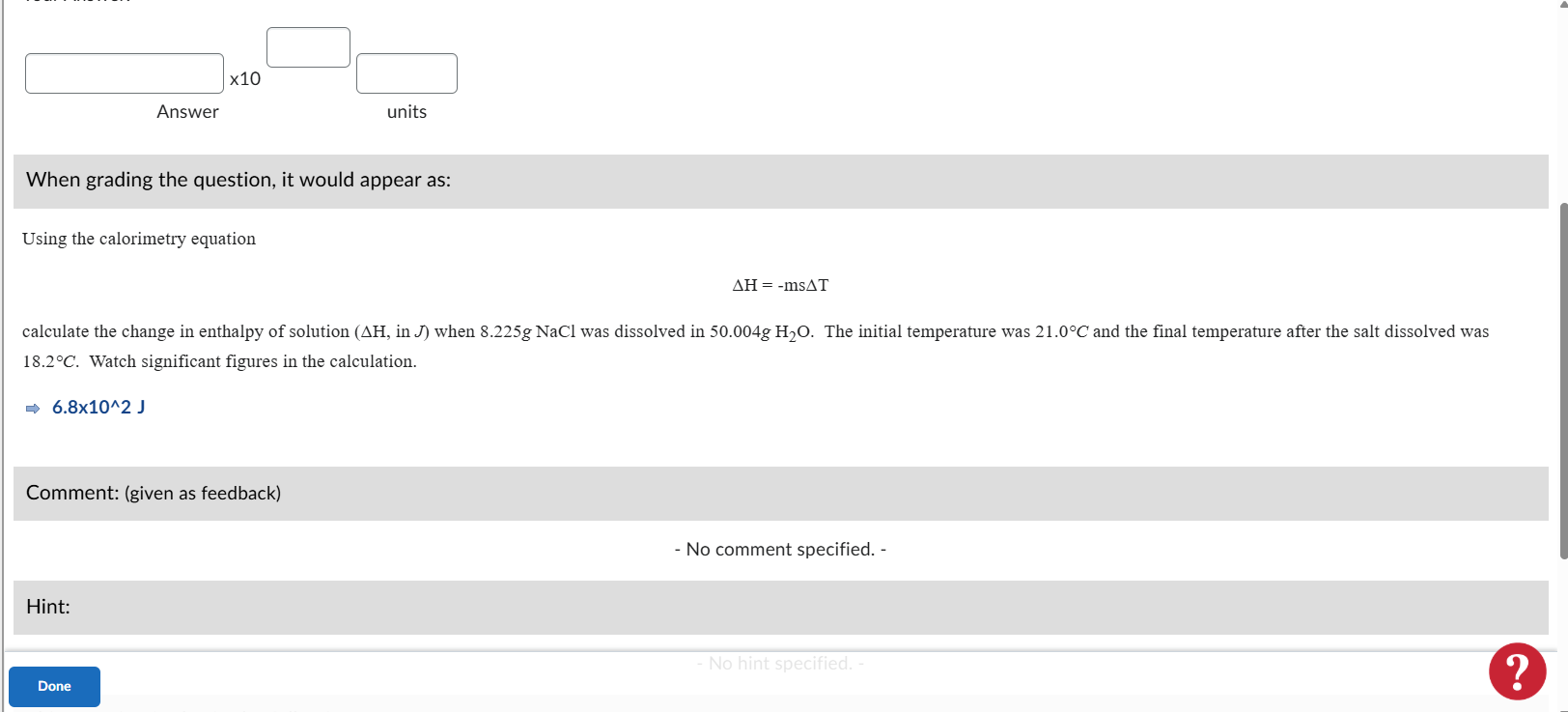
In quizzes, has anyone else experienced an issue where the correct answer changes in certain mathematical/significant figures questions? There seems to be no rhyme or reason and in the auto grading function, some students' responses will be marked correct and others will be marked incorrect even though all had the same response (6.8x10^2 J in the case of the below example).
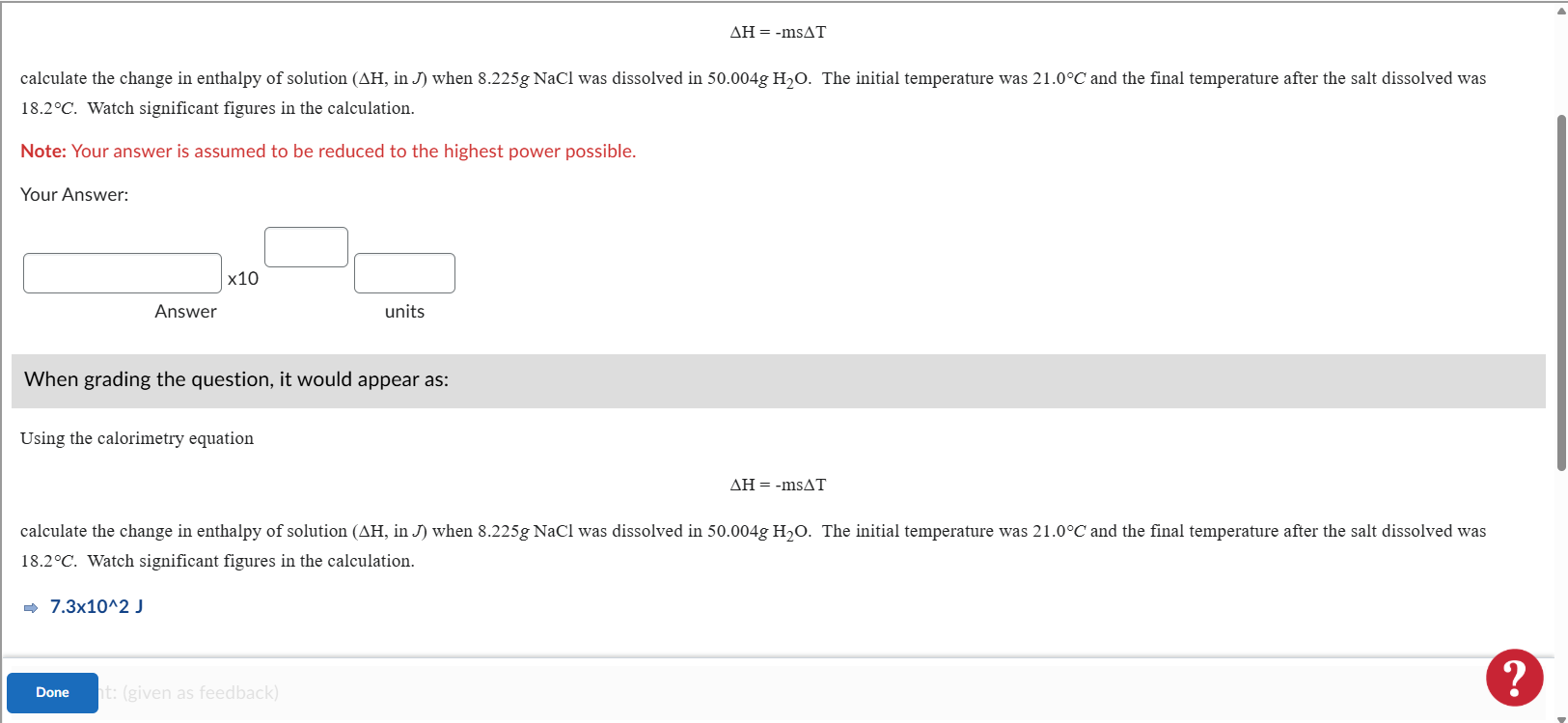
The only thing we can figure out is when Significant Figures are enforced (e.g., 2 s.f.), Brightspace appears to pre-round variable values before evaluating the author’s formula. This changes the computed “correct” answer and yields multiple different correct ranges for the same item - even when all variables are constants (min = max, no step).
I am trying to find others who may be experiencing this issue so as to help plead our case to the D2L support team.
Best Answer
-
Hello @Brooke.C.5699,
My name is Chauvin from the Community Team. I connected with a member of our Quiz team to help support you with your issue with Quiz questions:The sig-fig variables are supposed to rounded before calculation because they are randomly generated values with potentially a lot of precision, but not all of that precision is exposed to the student in order to make the numbers easier to work with. Rather the student is presented with the random variables rounded to a number of sig figs close to the expected answer.
Therefore, rounding issues arise when:- The text of the question has the numeric “variable” values typed into it manually, leading to different numerical values being shown to the student than what are being used in the calculation.
- Using randomly generating variable fields to represent fixed numbers that the instructor is expecting to have a specific level of precision.
We recommend in order to have the question be graded in the desired way would be to create the question in one of the following 2 ways instead:
- Handwrite the variable numbers directly into the formula, rather than using variable substitution, like so:
-(8.225+50.004)*4.184*(18.2-21) - Simply enter the expected answer
682.1into the formula field, rather than using variable substitution or calculation
Please let us know if you continue to experience further issues and we'd be happy to assist further.


admin