Video not visible when description is added

Hi,
I have added a video from my media library as content in my module, then added a description to it to provide an introduction and link to a transcript as a word doc, however this description is now appearing over the top of the video frame on the page rather than pushing the video frame down, so only the bar at the bottom of the video pane is visible beneath the description. Is there a fix for this?
I know I can embed a video within a page, however I liked that adding it as content puts a video icon into the content list so its clear at a glance where the videos appear. Elsewhere in the module I have added PDFs with descriptions using the same method and the description pushes the pdf frame down on the page so both are visible.
Thanks in advance
Answers
-
Hello @Christy.S.492, thanks for your first question on the Community!
It sounds like you're using the New Content Experience in your course?
What you're seeing, if I'm reproducing it correctly, would be expected behaviour at this time, so a long description would cover a large part of the video that's embedded into the page.
My recommendation would be to embed it into a HTML content page. I understand you like the video icon to denote what exactly is in the module. One way you could potentially work around this is by pasting an emoji into the name of the content item to give a similar impression. Here's an example I made to show what I'm thinking:
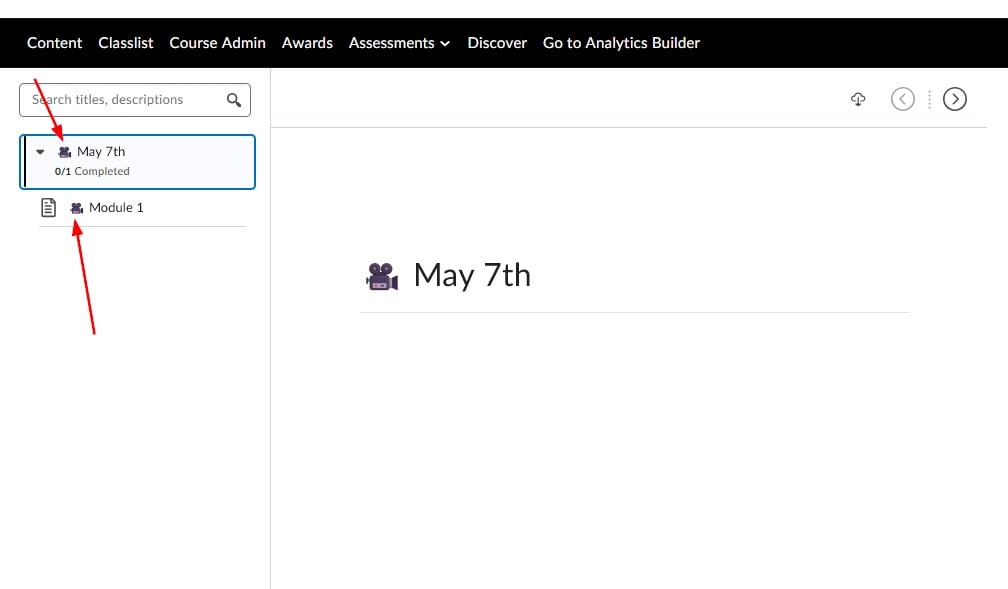
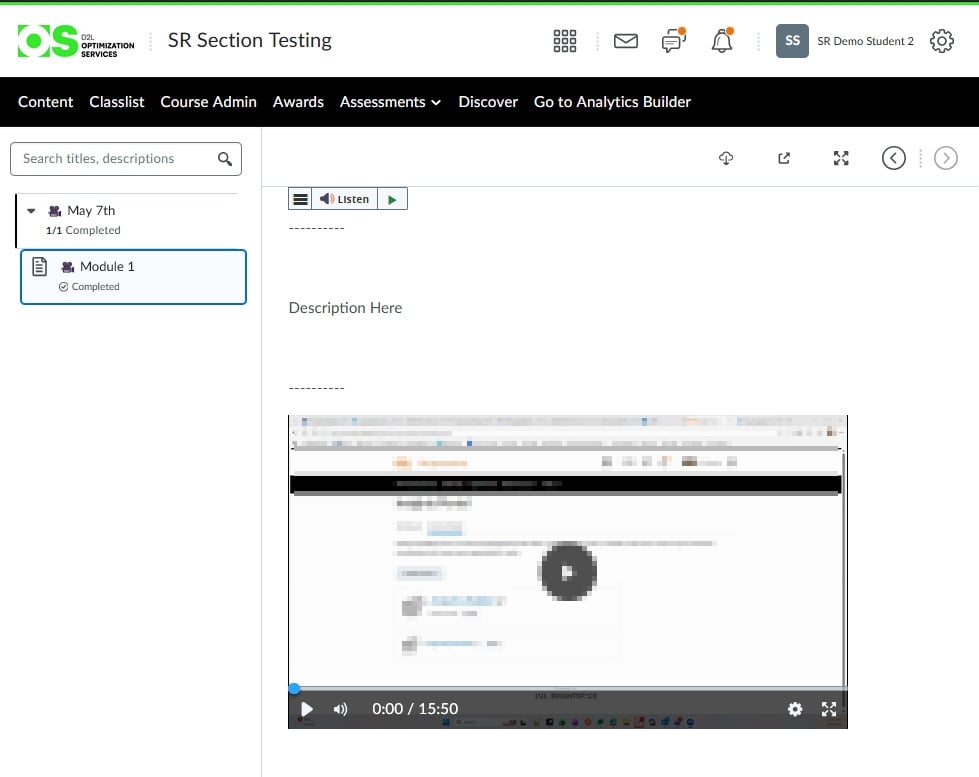
Hoping this may be an option for you to explore. Should you have any questions please just let us know!
~Stephen
-
Hi Stephen,
Thanks for that suggestion, and the quick reply. Yes, we are currently implementing Brightspace in our institution using the new content experience.
I was trying to avoid using emojis because of the accessibility issues for people using screenreaders where it reads them literally rather than contextually. Having two icons together in the content list (e.g. the Brightspace page icon next to a camera) is a bit visually cluttered too, for those who need the visual cues, and relies on all users in our institution using the same convention and emoji for labelling video pages to make it consistent for students to interpret across different module spaces.
Is there any plan to correct the issue with the description appearing over the video frame, especially since it doesn't do this on other types of content like PDFs?
Thanks again for your help
-
Hi @Christy.S.492,
That makes sense, I definitely understand, especially for accessibility standards.
I would suggest either your or someone on your team open a case with our Support team to check and see if there's any information regarding a modification to the appearance. I did check our known issues list but didn't see it there. Support would be able to check further internally.
Alternatively, you could add this to our Product Idea Exchange, which our product manager check for update ideas to the system. That's accessible under the Quick Links section:
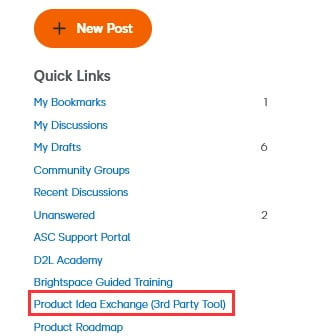
Sorry I don't have any further information I can share!
~Stephen

