See # views for discussion post?

Is there a way to see the number of views for a specific initial post or reply in a Brightspace discussion?
I see the discussions in this D2L Community site include "views" so why can't the discussions in our courses also have that feature? 🙂
Answers
-
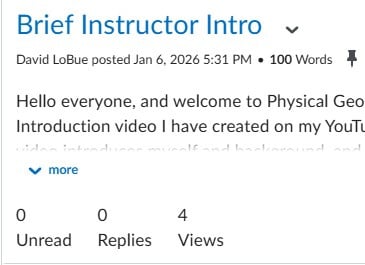
I think that might depend on your school as I am able to see the number of views of a post at my current schools. Unless you are talking about once you are inside an individual thread, then there is no count for specific threads or replies because they are all on the same page and there is no way to tell which specific reply or thread is being viewed. At least that is my guess. The screenshot is from one of my current classes on D2L.
-
Thanks, David, but that's not what I see in my discussions. Here's a screenshot of my view of a discussion post:

Here's a screenshot of the discussion prompt:
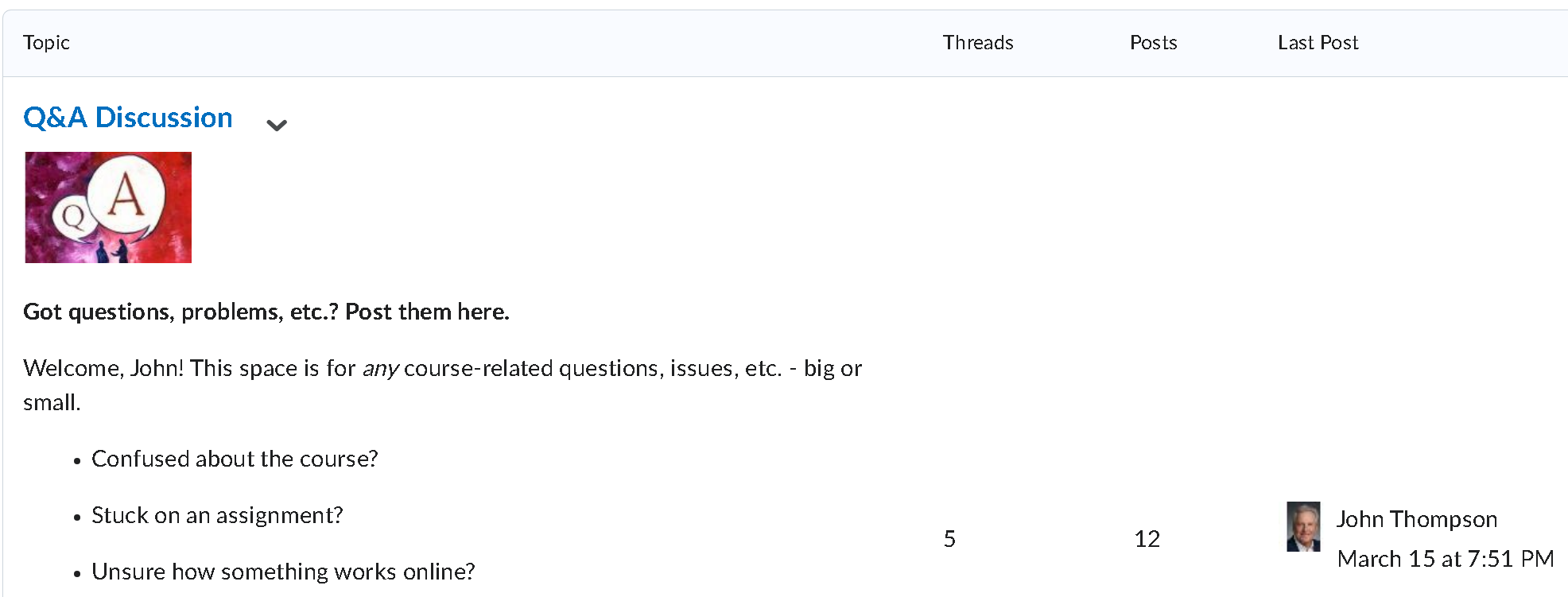
I'd like to see how many students actually view each initial post and reply to the discussion prompt.
-
Then it is probably how your school has D2L set up. For example, I get a word count for discussion threads at one school, but do not get a word count on discussions at another school. The feature for tracking number of views is obviously available based on my screenshot, but it depends on what your school has paid for or has included in your course shells. I would contact your IT department or D2L help at your school to inquire.
I could be misunderstanding what you are looking for. My screenshot is of an individual thread, whereas your screenshot is of the topic. I have pretty much the same view as you for the topics showing number of posts and threads, but the number of views is tracked for individual threads once you have clicked on the topic and not the topics themselves. My screenshot is stating that 4 students viewed my thread. Your screenshot is showing 5 threads, which I would assume would mean 5 students posted a reply to the discussion prompt and there are 7 replies considering there are 12 total posts.
Currently, however, the only option for tracking of views is by each individual thread and there is no way to know if a student viewed the thread unless they actually click on it and open the thread.
-
I actually included two screenshots in my post - the first one is for an individual post reply. The second screenshot is for the discussion prompt (truncated for brevity here). I'll connect with my local Brightspace administrator and see what's what.
