Gradebook Scrolling Changed

Previously on D2L, we were able to scroll left and right in the gradebook regardless of where we were viewing vertically. Now we have to scroll all the way to the bottom of the gradebook in order to scroll left and right. This does not allow us the ability to view the top of the gradebook while scrolling left or right, which is a feature we had previously. Why did this change and can we go back to the old settings as the previous settings made it much easier to scroll through, view, and enter grades in spreadsheet mode?

Tagged:

Answers

  • Amy-Louise.W.822
    Amy-Louise.W.822 Posts: 23

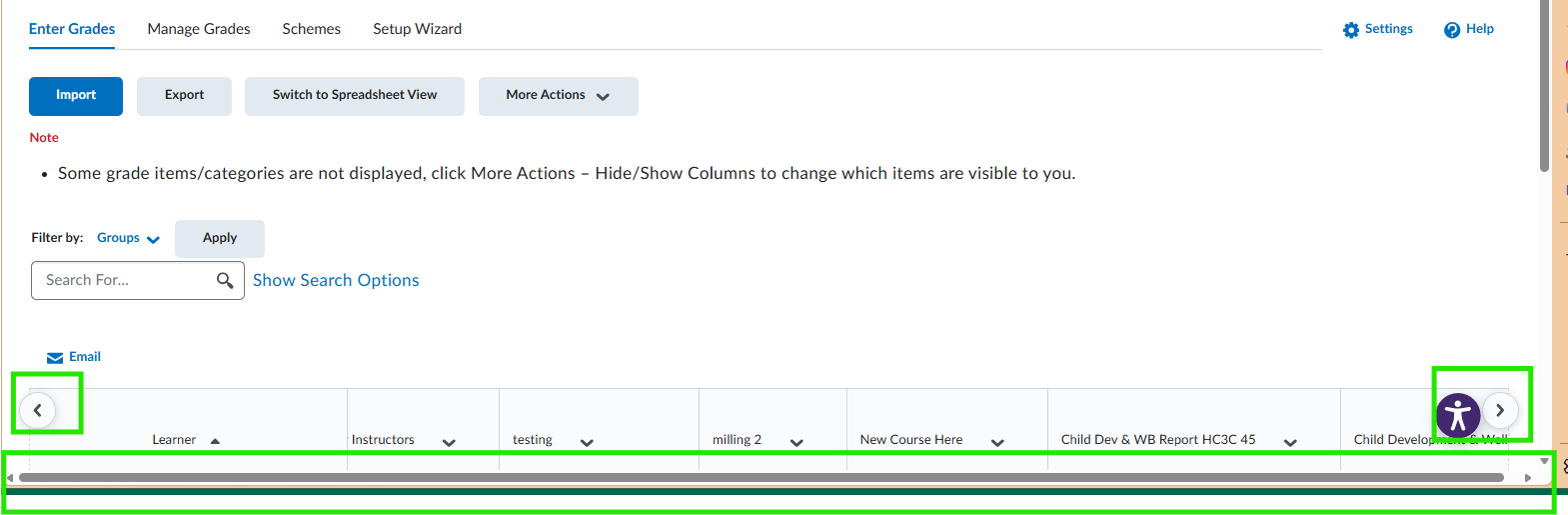
    Hi @DAVID.L.935 do you know if it's potentially a browser issue as I tested this today and find I can scroll left and right using both the left and right buttons as well as the scroll bar at the bottom, even without scrolling down the page. This is both in standard and spreadsheet view that it works for me.

    Screenshot 2026-04-29 091212.png
  • DAVID.L.935
    DAVID.L.935 Posts: 21 🌱

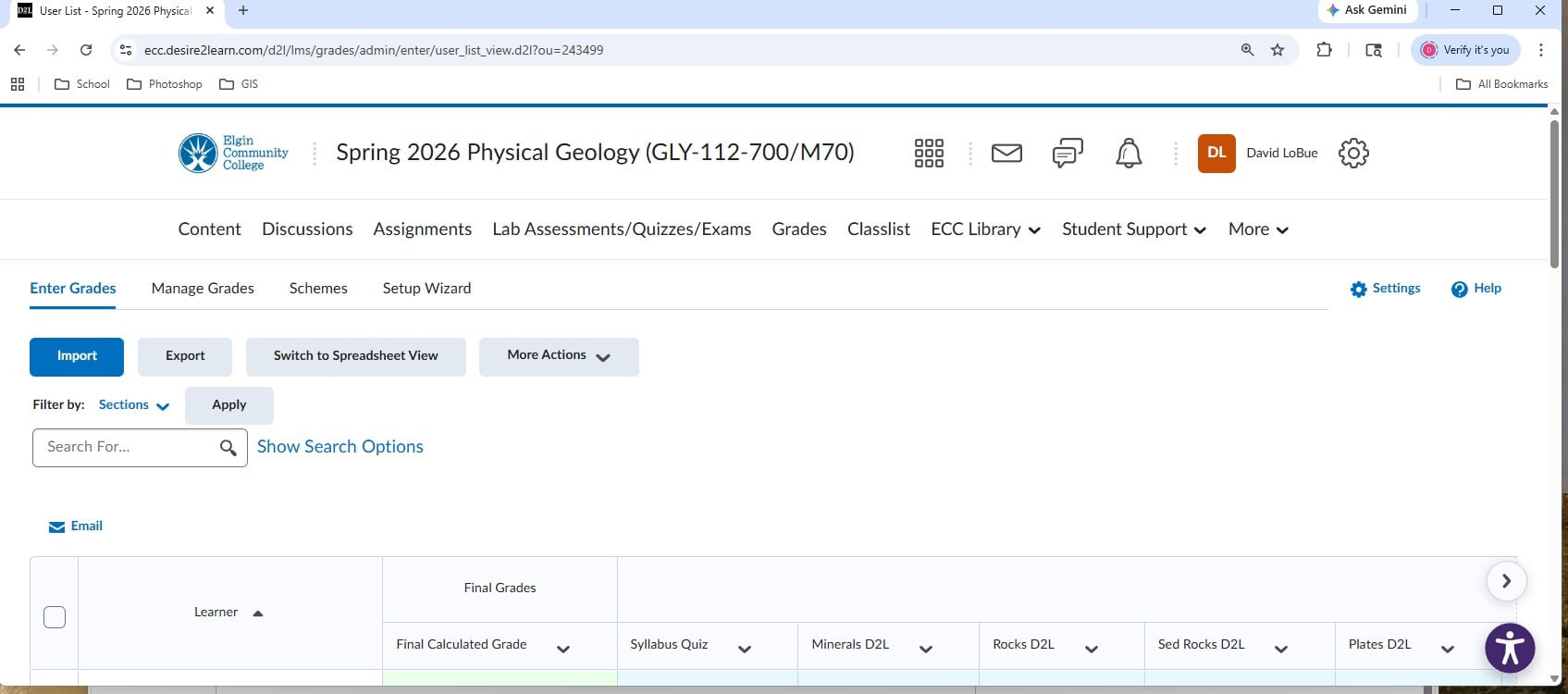
    I have always used Google Chrome for the last 15 years. This issue just began within the past year or less. I have attached two screenshots. The first is the top of the gradebook showing no scroll bar. The second is the bottom of the gradebook showing the scroll bar. Best I could do on the images to keep the students' names off the image. Again, the scroll bar only shows up once I scroll to the bottom of the gradebook; however, the scroll bar used to show up like yours regardless of a vertical change in the gradebook view. Perhaps a setting on my end got changed somehow; but it wasn't of my own doing that I'm aware of.

    NoScrollBar.jpg ScrollBottom.jpg
  • DAVID.L.935
    DAVID.L.935 Posts: 21 🌱

    I honestly never noticed the left and right arrows at the top of the gradebook until today. I will use those; however, the left and right arrows "jump" a couple of columns at a time and do not "scroll" as with the scroll bar. The scroll bar issue is still there, but the arrows are a partial remedy, at least.