Hiding certain events in the Calendar

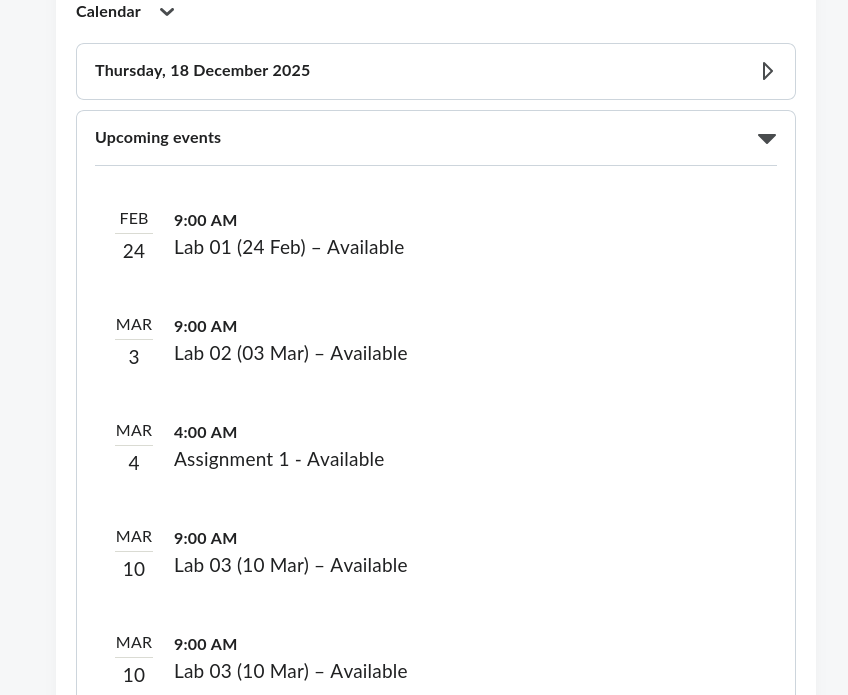
Kia ora, we are setting up a course in Brightspace and want to hide certain events in the calendar (it is getting quite cluttered). However, when using the Manage Dates tool, the option to hide these events in the calendar is greyed out:
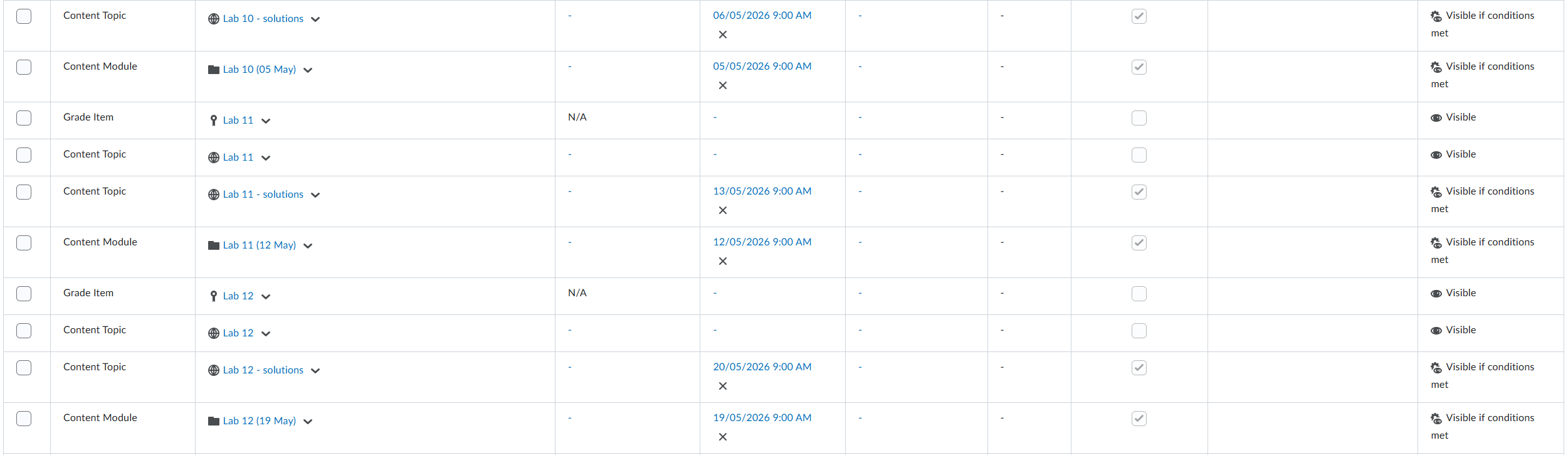
image.png

Is there a way to fix this? It is worth noting that elsewhere in the Manage Dates tool we are able to hide things in the calendar — notably the dates associated with assignments.

Cheers,

Rhian

Answers

  • Sreelakshmi.N.546
    Sreelakshmi.N.546 Posts: 128 🤝🏼 image

    Hi Rhian,

    Thank you for reaching out to us through the community!

    From the screenshot you shared, I noticed that many events with dates have the Start/End dates option in the Calendar checked and greyed out.

    To resolve this, please follow these steps:

    1. On the navbar, click Course Admin.
    2. Click Manage Dates.
    3. Select the check box of the items for which you want to bulk edit dates.
    4. Click Bulk Edit Dates.
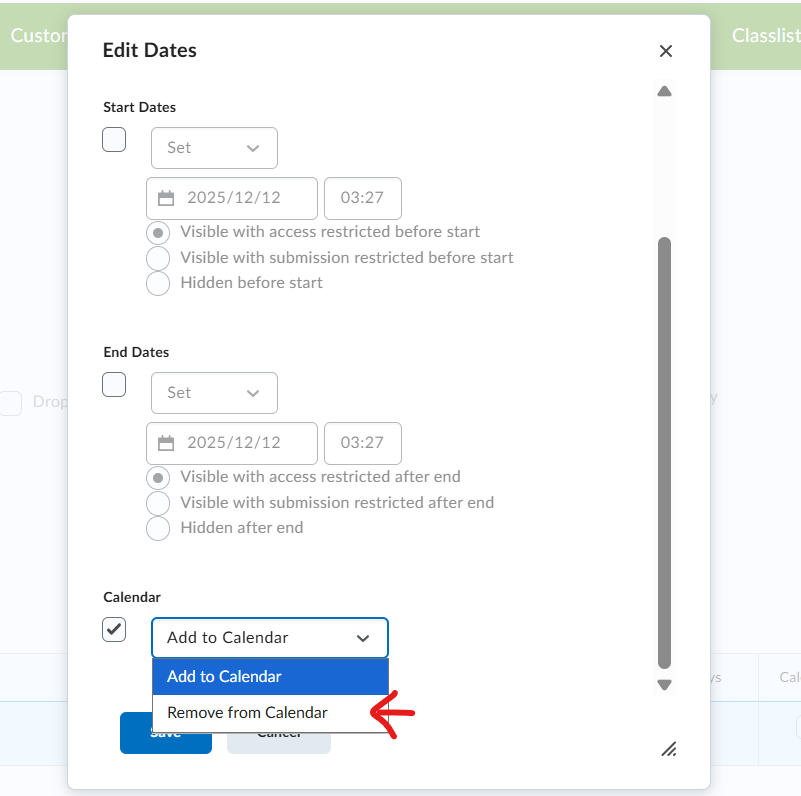
    5. Now in the page, under the option Display in calendar, choose Remove from calendar
    image.png

    Kindly check if these steps solve your issue. You can also refer below community article to understand more on Manage dates tool

    https://community.d2l.com/brightspace/kb/articles/5018-bulk-edit-dates-in-manage-dates

    Thanks

    Sreelakshmi