Best Of
Re: how do post my assignments on turnitin
Hi @Hamdawaihi.M.4823,
Thanks for reaching out to us here at the Brightspace Community.
If the assignment is Turnitin enabled by your instructor, the file you submitted is pre-validated at the time of submission to ensure it is within the Turnitin file type and size requirements.
If you have questions on how to complete your assignment, contact your instructor.
Additionally, if you are interested to learn more about Submitting and Managing your assignments, check out the article.
Best,
Aasim

Re: Lock a Topic in Discussions (disable Start a New Thread)
Hi @Stephen.R.50 , thanks for your suggestion. It's a creative workaround too.

Re: Calendar Tool - More Actions button not visible to some in same role
Ajith at D2L was able to provide the answer: . In order for the More Actions button to be visible in the List tab of the Calendar tool, at least one calendar must be added under All Calendars. Once this is done, the More Actions button will be visible.
Thanks everyone!!!

Re: Students within a group given the same grade: Want students to have individual grades
@Kay.H.645 Hi Kay, this method still works for us. The only way the grades for all group members get changed is if the evaluation is published again from Assignments.
Can you check the Event Log for the grade item to see when the grades were changed and by whom? On either the Enter Grades or Manage Grades tab, click the down arrow next to the grade item and choose Enter Grades from that drop-down list. Then click the down arrow again next to the title at the top (it should start with Grade Item: ) and choose View Event Log.

Re: Students within a group given the same grade: Want students to have individual grades
Susan and Jennifer…thank you so much for your responses.
Here's what we discovered. While the instructor entered the individual grades via Enter Grades, the instructor later opened another submission in Assignments to review and add feedback and clicked Save. As a result, Brightspace re-synced the group score from Assignments and overwrote the individual adjustment in Grades. The student’s individual score was replaced with the original group score.
This overwrite appeared to happen if the instructor clicked Save, Update, or Publish in the Assignments tool.

access to "Customer Spotlight: Designing Microlearning Content for Brightspace Support"
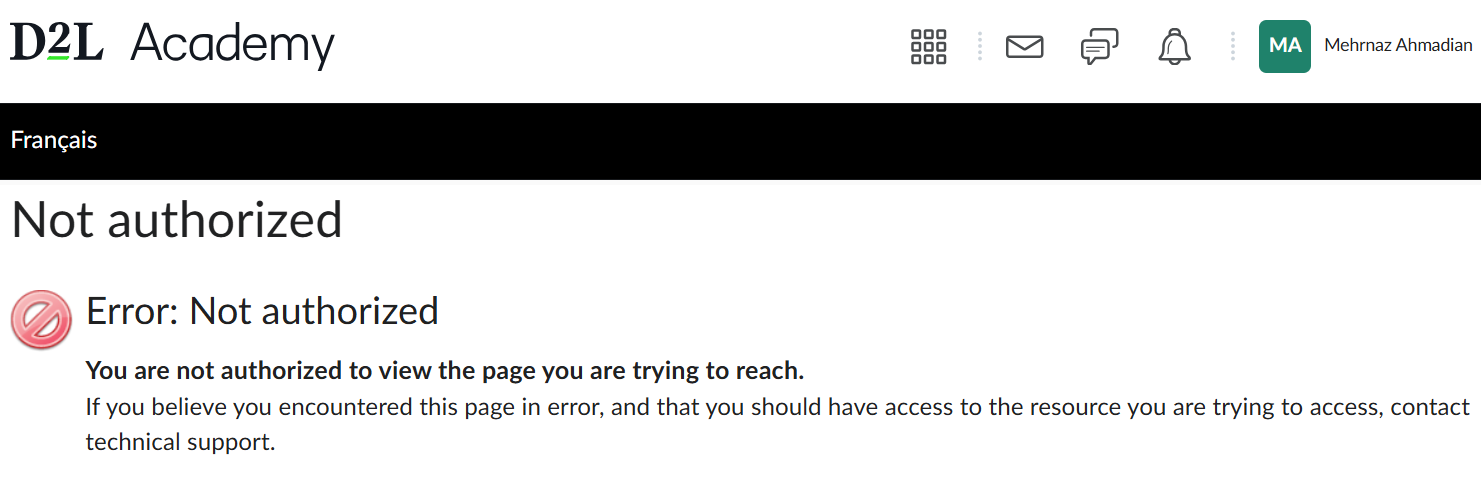
I'd like to have access to this course "Customer Spotlight: Designing Microlearning Content for Brightspace Support". Although I have signed up, I am unable to review this course. I've attached a screenshot for your reference. Could you please help me with this? Thank you.

Re: Calendar Tool - More Actions button not visible to some in same role
You're welcome @Trudy.H.857!
If its not too much to ask — for the benefit of other community members like yourself who may stumble across this post in the future — feel free to leave another reply here with the root cause after you reach a resolution in the support case you open.
Best of luck, and I hope (I know) our fantastic support team will be able to help you from here.
Jeffrey

Re: Calendar Tool - More Actions button not visible to some in same role
Thank you both for your timely replies- yes we likely need to put in a Support Case :)
Trudy
MS365 LTI & D2L
Hi all,
We are looking to integrate MS365 into our D2L instance (specifically to make it easier for Instructors to schedule meetings). However, before we do that, we wanted to see/hear about other schools' experiences (and had a few questions besides).
- What are the pros/cons of having the MS365 integrated (with special focus on Microsoft Teams)?
- Does the LTI actually make scheduling Teams meetings easier?
- What, exactly, does the LTI do with concern to Teams? Does it create a Teams Class? Or is it just a quicker way to set up and share meetings?
- What does the interface look like for Instructors? For Students?
- How easy was it to train Instructors? What modes (i.e., self-paced tutorials/videos, synchronous workshops, etc.) worked the best for you? Are there any materials you would be willing to share?
- Have you had complaints from Instructors or Students about difficulty either accessing the LTI or the Meeting created by the LTI?
- When a course closes, does the Teams Class automatically close or does the Instructor need to do that? What about when a Course is deleted in D2L?
Thank you in advance!

Re: Brightspace Data Hub
Hello Devon, thanks for your question!
If your institution has Analytics Builder, it would be possible to create reporting in that to consistently have this information.
However, if you need to use Brightspace Data Sets, the process I would use is to run the Course Offering Enrollments Advanced Data Set (ADS). When you generate an ADS, you can specify the start and end dates, so you would be able to focus the report on the current semester, when enrollments began.
The Course Offering Enrollments ADS lists user ID's and Org Unit ID's, which means you would need to do a lookup on at least the Org Unit ID, using the Brightspace Data Set (BDS), Organizational Units (if you needed learner information you'd have to also lookup against the Users BDS).
Once you have that, you could narrow down by the same course and run a count.
Hope this helps to get you started.
~Stephen
