Best Of
Re: Adding collaborators to media library folders under distributed administration
Hello @Karen.T.723, thanks for your question!
This does sound like a permission issue, but I'm not sure if it's due to your roll-out of Distributed Admin since the Media Library is managed from the top organization level. Adding collaborators is managed by an org-level permission for the Content Services tool. If you go into your Roles and Permissions for the Instructor role, filter by the tool Content Services, and verify that "Can Manage Folder Collaborators" is enabled for the Organization.
Is it possible that this was turned off by mistake? For reference, here's some documentation regarding adding collaborators.
I'm hoping that this helps get you sorted out but if you continue to have problems I would recommend that you or your Approved Support Contacts open a case with our Support team who can check directly within your environment.
~Stephen

Re: change the default settings for whether quizzes are in the gradebook and how students view results?
Hello @Anne.T.17, thanks for your question!
Due to the many potential use cases for a quiz, it's not currently possible to enforce linking to a grade item within an environment, so instructors will need to add a grade item for each quiz they create.
Regarding the potential to modify the default submission view, Brightspace does not currently have a way to manage that, however I do see we have an item in our Product Idea Exchange, if you'd like to add your support (D438)
Hope that this helps!
~Stephen
Re: API to download course content
Hello @Alistair.Y.947
Thankyou for reaching out to the Brightspace Community.
To programmatically retrieve ContentObjectId values for a given OrgUnitId, you can use the Brightspace Content API:
GET /d2l/api/le/(version)/{orgUnitId}/content/root/
and
GET /d2l/api/le/(version)/(orgUnitId)/content/modules/(moduleId)/structure/
These endpoints return all content modules, topics, and their ContentObjectIds.
You’ll find these under:
Valence API > Learning Environment (LE) > Content
- Get root-level modules
GET /d2l/api/le/(version)/{orgUnitId}/content/root/ - Get the structure of a module (children, topics, submodules)
GET /d2l/api/le/(version)/{orgUnitId}/content/modules/{moduleId}/structure/ - Get topic details (files, links, metadata)
GET /d2l/api/le/(version)/{orgUnitId}/content/topics/{topicId}
These endpoint returns the entire hierarchical content structure including:
Id → ContentObjectId
Title
Type (Module, Topic, Link, etc.)
Child objects
From this response you can extract Id → ContentObjectId
Alternatively, you mentioned you're already pulling the Content Object Schema Plugin (BDS).
BDS is not a live API — it is an asynchronous data export — but it does provide:
ContentObjectId
OrgUnitId
Title
ContentObjectType
etc.
>How to use BDS:
Call Data Hub API to request the dataset download link
Download the CSV
Filter rows by OrgUnitId
Hope this helps.
Regards,
Ashwin Ravi

Re: Alternative description in Insert/Edit Image tool isn't working
Hi Stephen,
I hope you're doing well.
Unfortunately, I couldn't replicate the same behaviour internally. After editing an image description, the changes are retained and function as expected.
I recommend creating a support case to further investigate the issue. Please contact your Helpdesk to have one initiated.
Once the case is created, we’ll be able to review your specific configuration, examine user details, and troubleshoot the error to provide you with the most effective solution.
Let us know if you have any questions in the meantime!
Best regards,
Victor

Re: DOMO Report Not Including Latest Semester
Hello @Alexander.K.474,
Thank you for reaching out to the Brightspace Community.
Regarding the issue you’re experiencing with a report in the DOMO analytics builder, it would be best to have a support agent take a closer look.
If you are the ASC/ Admin for your Organization, please refer to our documentation for how to log a Support case OR request, and a member of our Support team will be happy to assist you.
Thanks!
Ana

Re: Any plans for "Overview" in New Content Experience?
Thank you for clarifying, Claire. Regards, Birgitte

🏆 Community Spotlight: Lynn Thomas
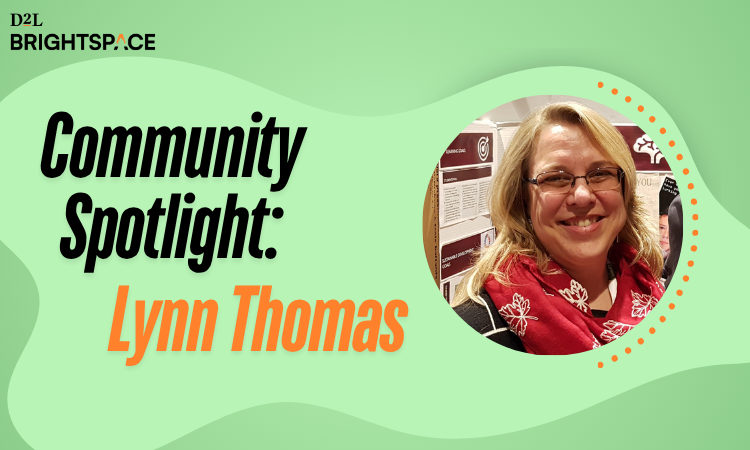
Meet Lynn Thomas, Teacher Consultant for e-Learning at the Grand Erie District School Board. Having now completed her second D2L Academy course, Lynn continues to build on her commitment to creating more inclusive and student-centred digital learning environments.
In her newest course, Lynn brings her passion for accessibility to life through the Learning Preferences Tool. A practical, ready-to-use resource that helps students personalize how they access and interact with their learning. By making preferences visible and easy to use, she is helping create a more flexible, supportive, and empowering experience for every learner!
Learn more about Lynn's newest course:

Re: Community Updates
📢 New Course Alert: Customer Spotlight Designing and Implementing the Learning Preferences Tool
We’re excited to share a new free course available to all Brightspace clients!
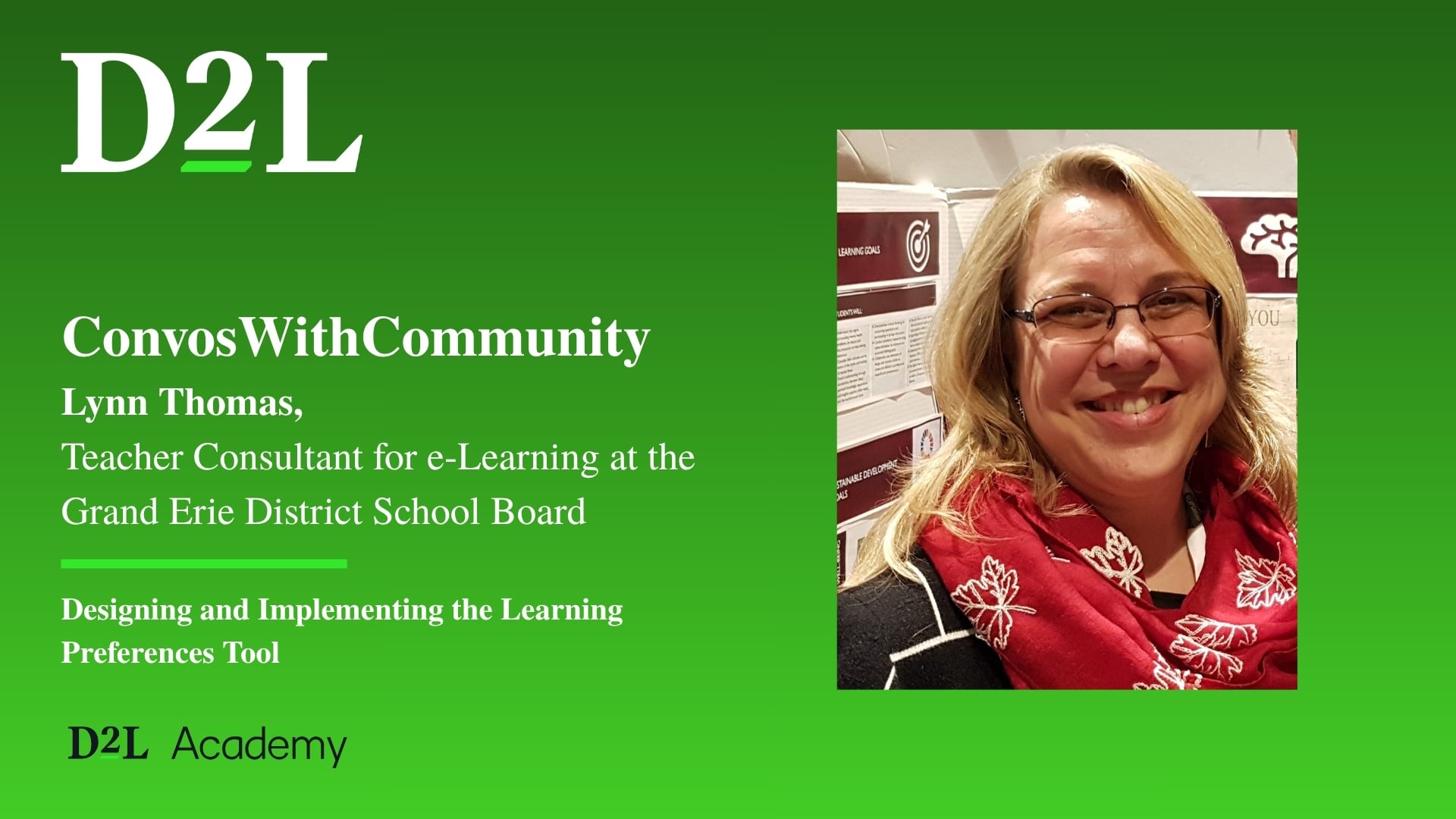
The Designing and Implementing the Learning Preferences Tool course, developed in collaboration with Lynn Thomas, Teacher Consultant for e-Learning at the Grand Erie District School Board, is now live!
This course introduces the Learning Preferences Tool, a student-centred resource built directly into Brightspace. It creates one consistent place where students can explore supports that match how they learn best.
🌟 Learn how to:
- Use and apply the Learning Preferences Tool to create a more accessible, student-centred learning experience
- Understand different learning preferences and accessibility needs
- Build and implement your own fully functional tool in Brightspace
📝 You must be logged into the new Single Sign-On for Community to access this resource.
Languages Available: English
💡 Tip: Watch for the D2L Academy school bus icon in Community for more learning opportunities!
Re: D2L Academy News
📢 New Course Alert: Customer Spotlight Designing and Implementing the Learning Preferences Tool
We’re excited to share a new free course available to all Brightspace clients!
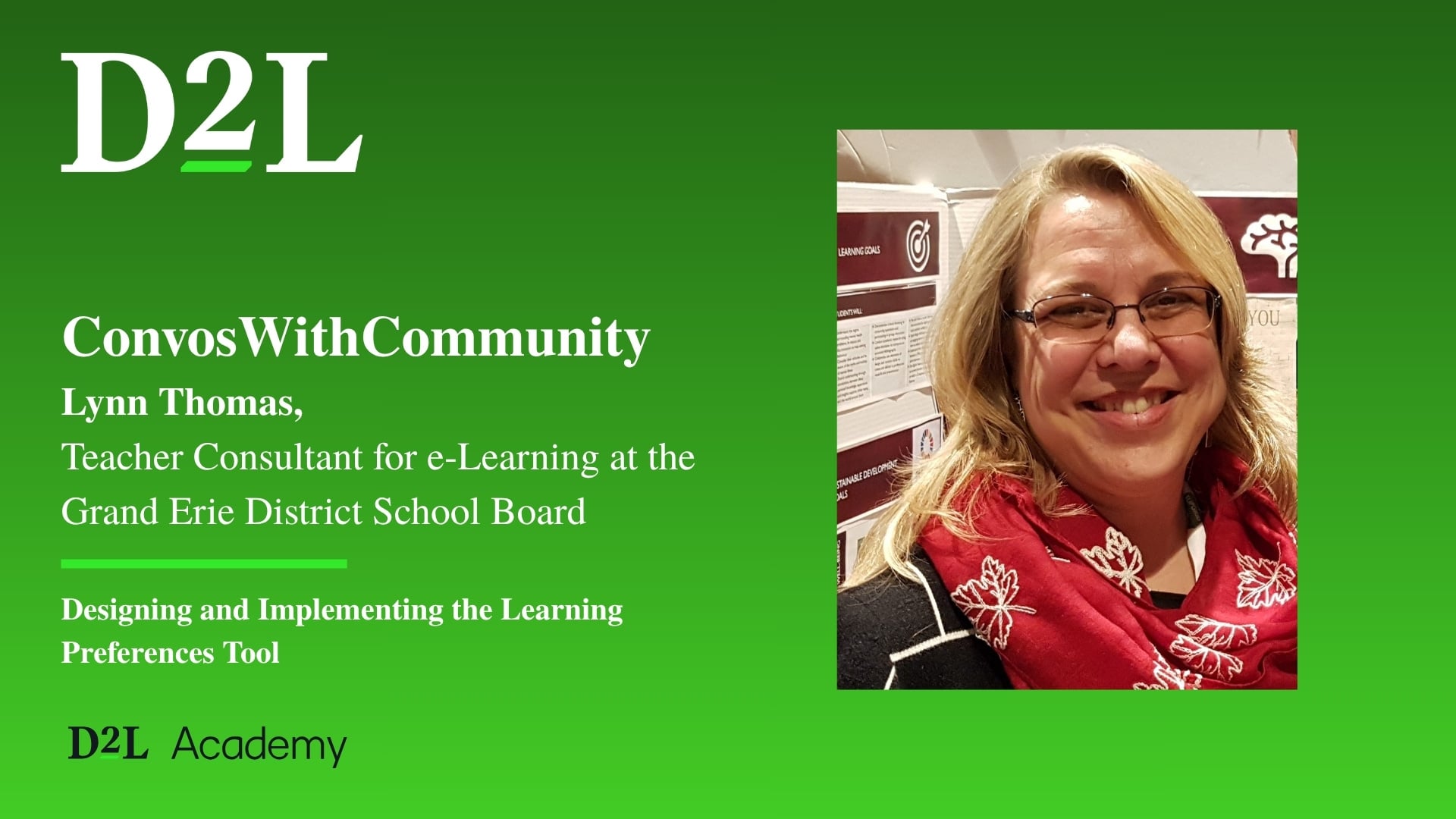
The Designing and Implementing the Learning Preferences Tool course, developed in collaboration with Lynn Thomas, Teacher Consultant for e-Learning at the Grand Erie District School Board, is now live!
This course introduces the Learning Preferences Tool, a student-centred resource built directly into Brightspace. It creates one consistent place where students can explore supports that match how they learn best.
🌟 Learn how to:
- Use and apply the Learning Preferences Tool to create a more accessible, student-centred learning experience
- Understand different learning preferences and accessibility needs
- Build and implement your own fully functional tool in Brightspace
📝 You must be logged into the new Single Sign-On for Community to access this resource.
Languages Available: English
💡 Tip: Watch for the D2L Academy school bus icon in Community for more learning opportunities!
