Why are my Creator+ elements so small on the page?

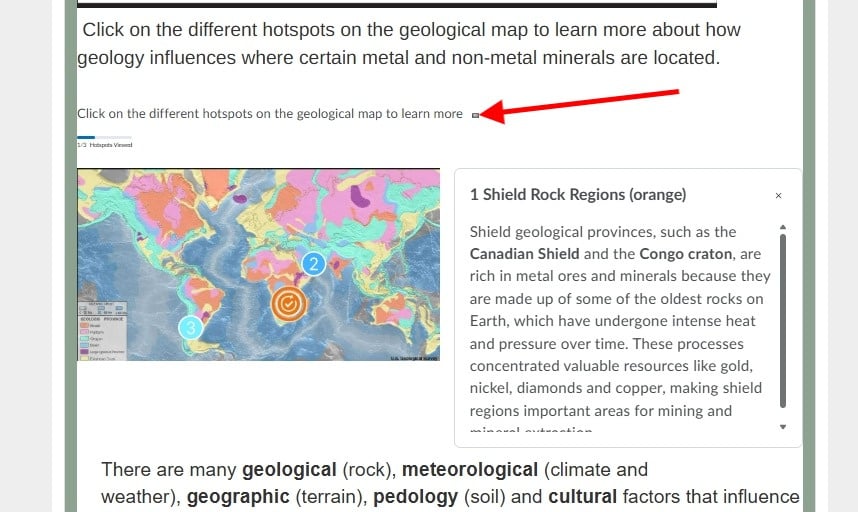
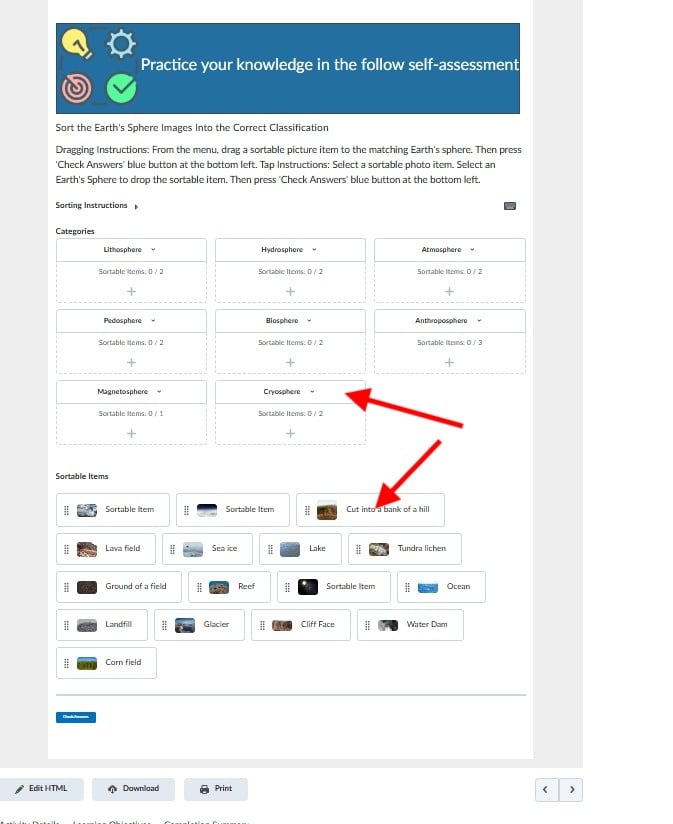
When I've added Creator+ elements to my course page, they always seem so small on the page, which doesn't make them stand out or easy to interact with. The text for instructions on how to interact with the element is especially small (hence why in my example I added the instructions above in a larger font) How do I increase the size of parts of the text and the images in the elements, so they can be seen?
Answers
-
Hello Heather,
Thank you for reaching out to us with your inquiry on increasing the font size of the text used in Creator+ elements such as Hotspot.
Unfortunately, the font size of the text referenced (such as the title in a Hotspot element or the drag-and-drop sortable items) are set by design and cannot be increased at this time.
A recommended best practice could be to place key instructions outside of the Creator+, where possible.
The idea described is a good one and I completely understand how this could improve learner interaction. To have it reviewed and assessed by the team please make a submission into the Product Idea Exchange at
Hope that helps!

