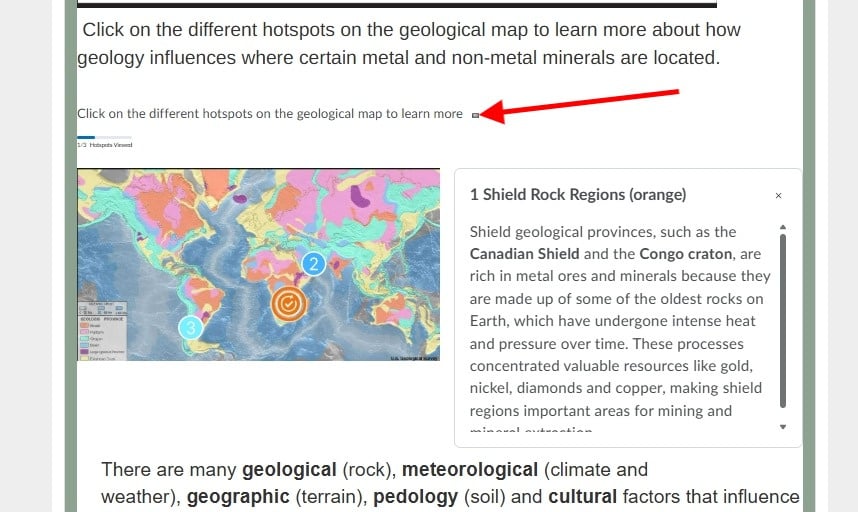
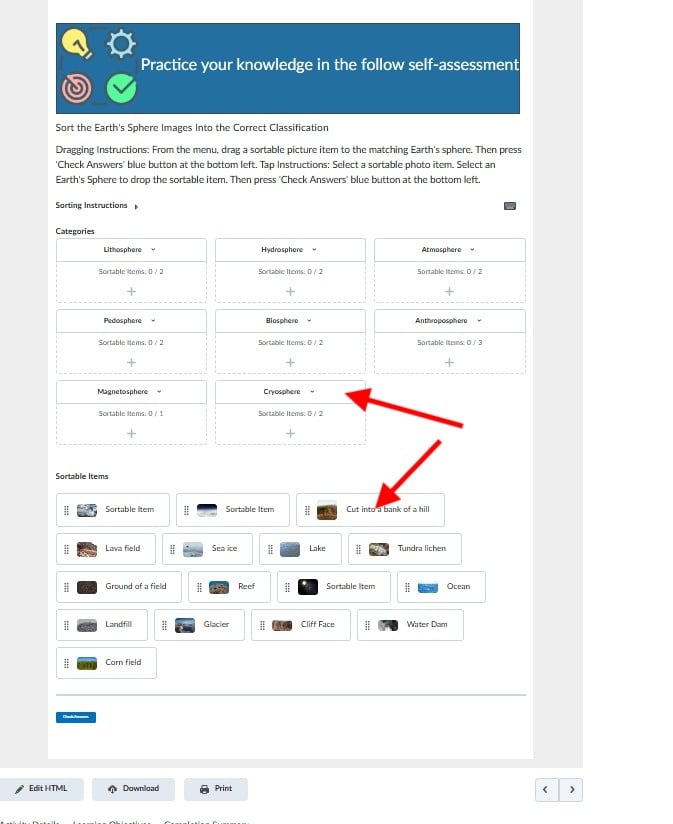
When I've added Creator+ elements to my course page, they always seem so small on the page, which doesn't make them stand out or easy to interact with. The text for instructions on how to interact with the element is especially small (hence why in my example I added the instructions above in a larger font) How do I increase the size of parts of the text and the images in the elements, so they can be seen?