NavBar Missing from MainPage

The NavBar for all teachers in my organization has disappeared; not from their individual courses, but from the main page. They like the "Quick Eval" button, which does not show up anymore at the top (in NavBar) but it does show up as a widget below. The teachers would like it placed back up, as a NavBar.
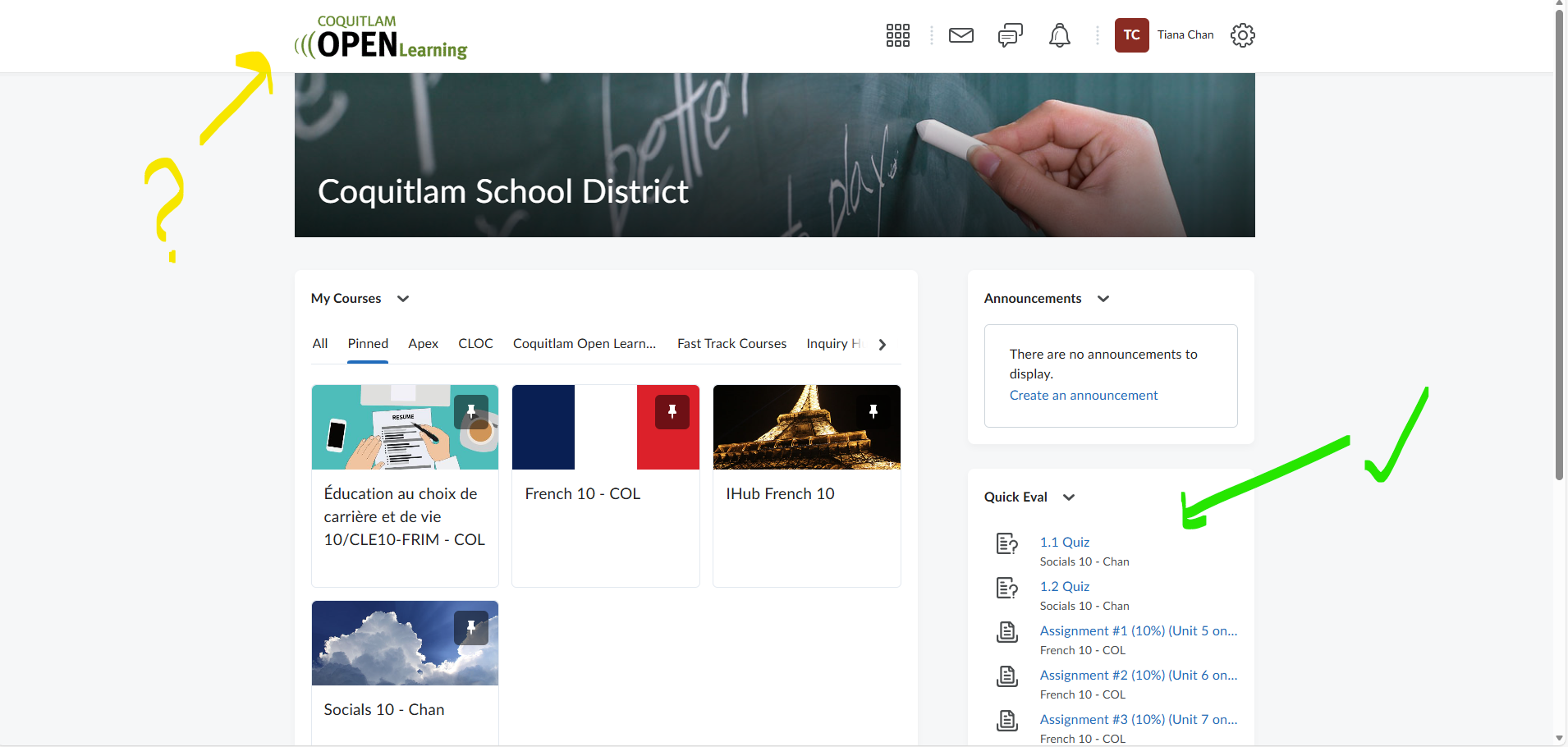
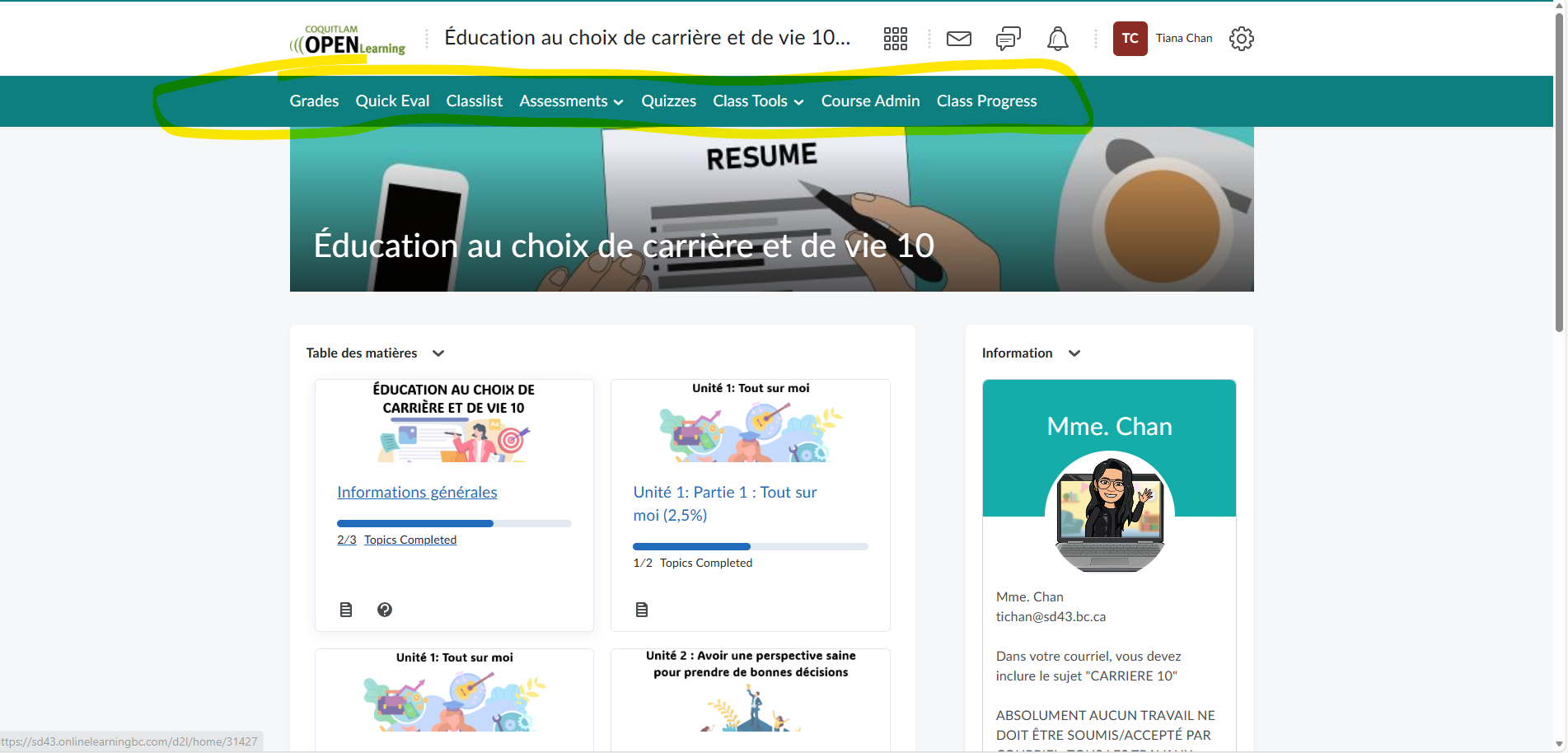
image.png image.png

Thank you

Tiana Chan

Best Answer

  • Stephen.R.50
    Stephen.R.50 Posts: 57 image
    Answer ✓

    Hello @Tiana.C.7649 thanks for your question!

    To re-add the navbar to your organization homepage, head to the Org Unit Editor within the Admin Tools cog on the top right side of the page.

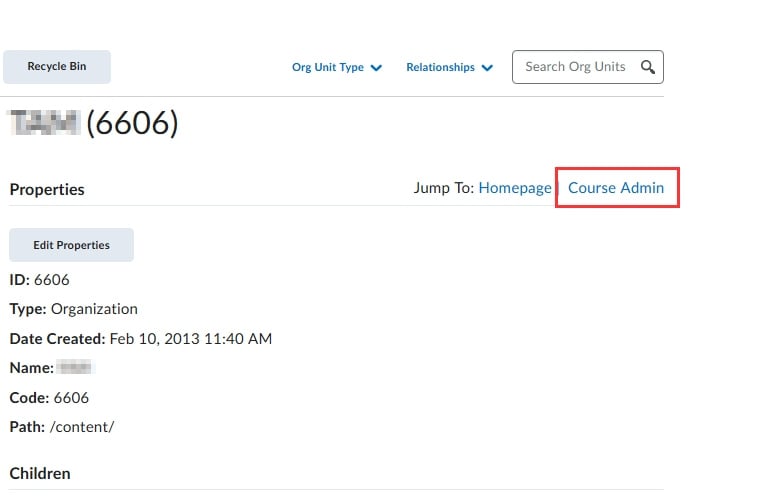
    You should first land on your main organization (often with the code 6606, but it may be different).

    Select Course Admin:

    2026-02-24-000371.jpg

    From here, select Navigation & Themes.

    Scroll down and find the navbar that has the Active check mark to the right side of the name and select the name to access the navbar edit area.

    Once you're here, select the Add Link button, and you can re-add Quick Eval. Once this is added and saved, the navbar will re-appear on the homepage.

    Hope this helps! If you have any problems just let us know.

    ~Stephen