Hello! An instructor who used Chrome browser told me the scrollbar which used to appear at the bottom of the screen no matter where were looking now ONLY appears at the bottom of the gradebook.
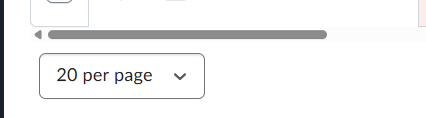
I can't share more specific images for confidentiality reasons, but in the past, no matter where you were on the gradebook page, the scrollbar would always appear.
Can someone advise if this is an update, a setting that got pushed out, and/or if this is a setting we can adjust on our side?
It now means if an instructor wants to view looking at a specific grade item, they can only view 10 students at a time, have to scroll to the bottom of the page, use the horizontal scroll bar to find what they hope is (the grade name is no longer showing) and scroll up.
In the meantime, I've suggested the instructor zoom out to view her grade items and only look at 10 students per page, but this change is a hurdle for instructors who are viewing or inputting grades.