Hi all,
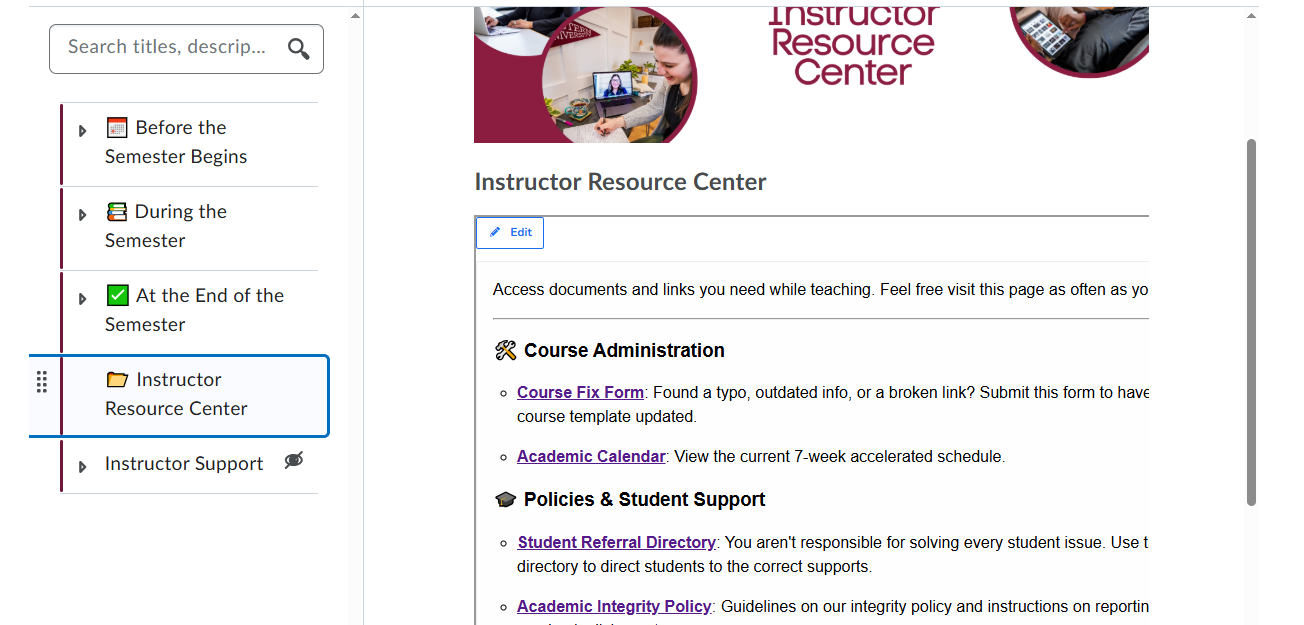
Sorry if this question has already been asked before. I am struggling with the sizing of H5P content in the NCE. It cuts off the content and people need to scroll right to see the rest of the text. Does anyone know how to fix this?
Hello @Alexa.T.534,
Thank you for reaching out to the Brightspace Community.
In this case, you may find this Automatic resizing of H5Ps article helpful for the workflow you are trying to achieve.
Please keep us posted if this resource was helpful to complete your intended workflow.
Kind regards,
Ana
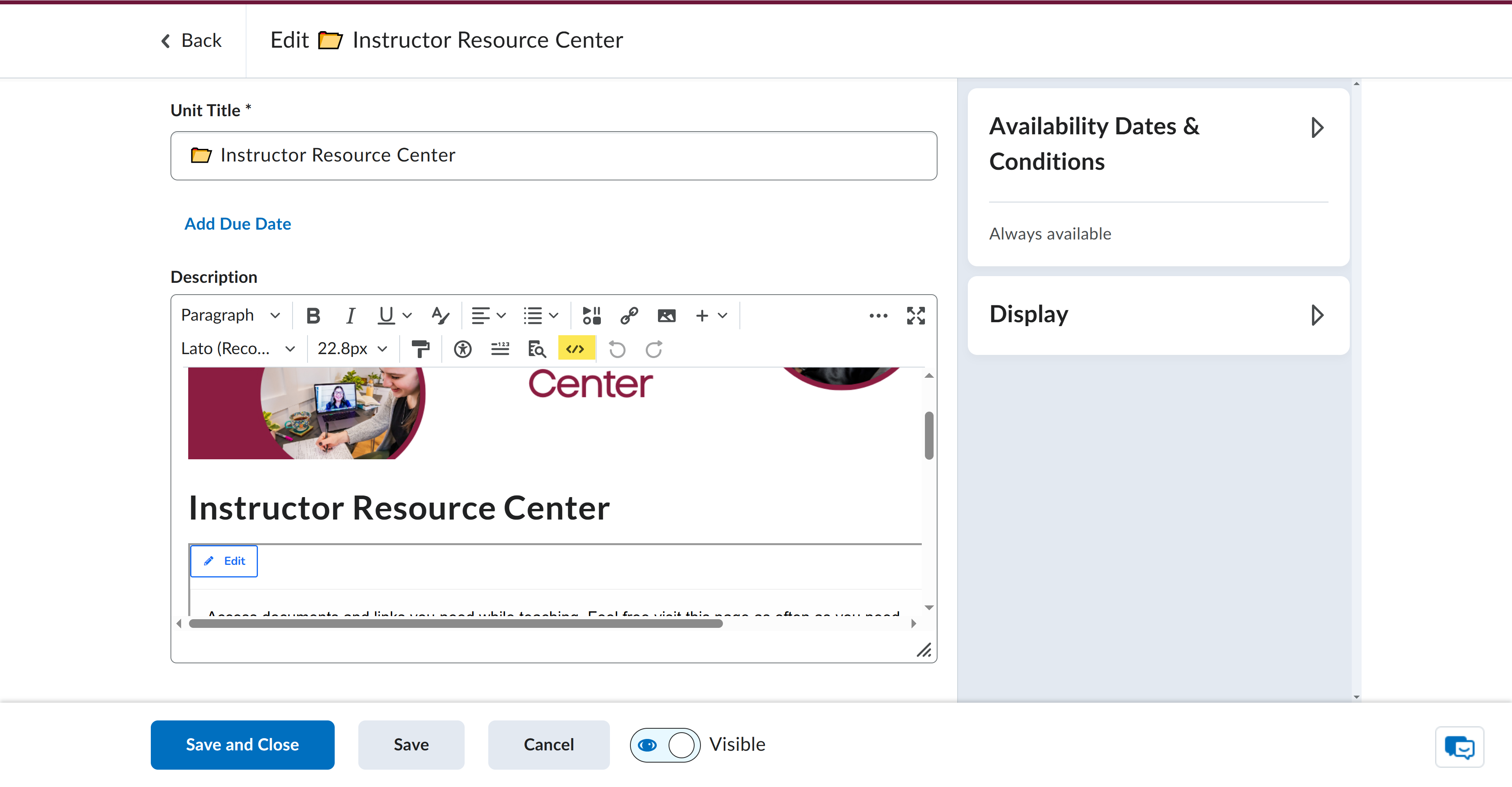
Unfortunately this is on a unit, not a page, so Brightspace keeps stripping away the resizing script every time I save it.
@Alexa.T.534 Hi Alexa, I think this is happening because that is a description area rather than a real HTML page. Some code does not work in descriptions.
@Jennifer.W.973 Does that mean it is not possible to make the H5P resize to fit the screen in a unit description?
Hi @Alexa.T.534
I think it would be a good idea to create a support case with more details as this issue requires more investigation. Please provide us the course detials where the issue is occurring and let us know if the H5P content seen here was inserted via traditional embed code or through H5P Embed Code option.
We look forward to hearing from you through the support case.
Ashwin
Putting this here in case anyone else comes across this problem and needs the workaround my team found.
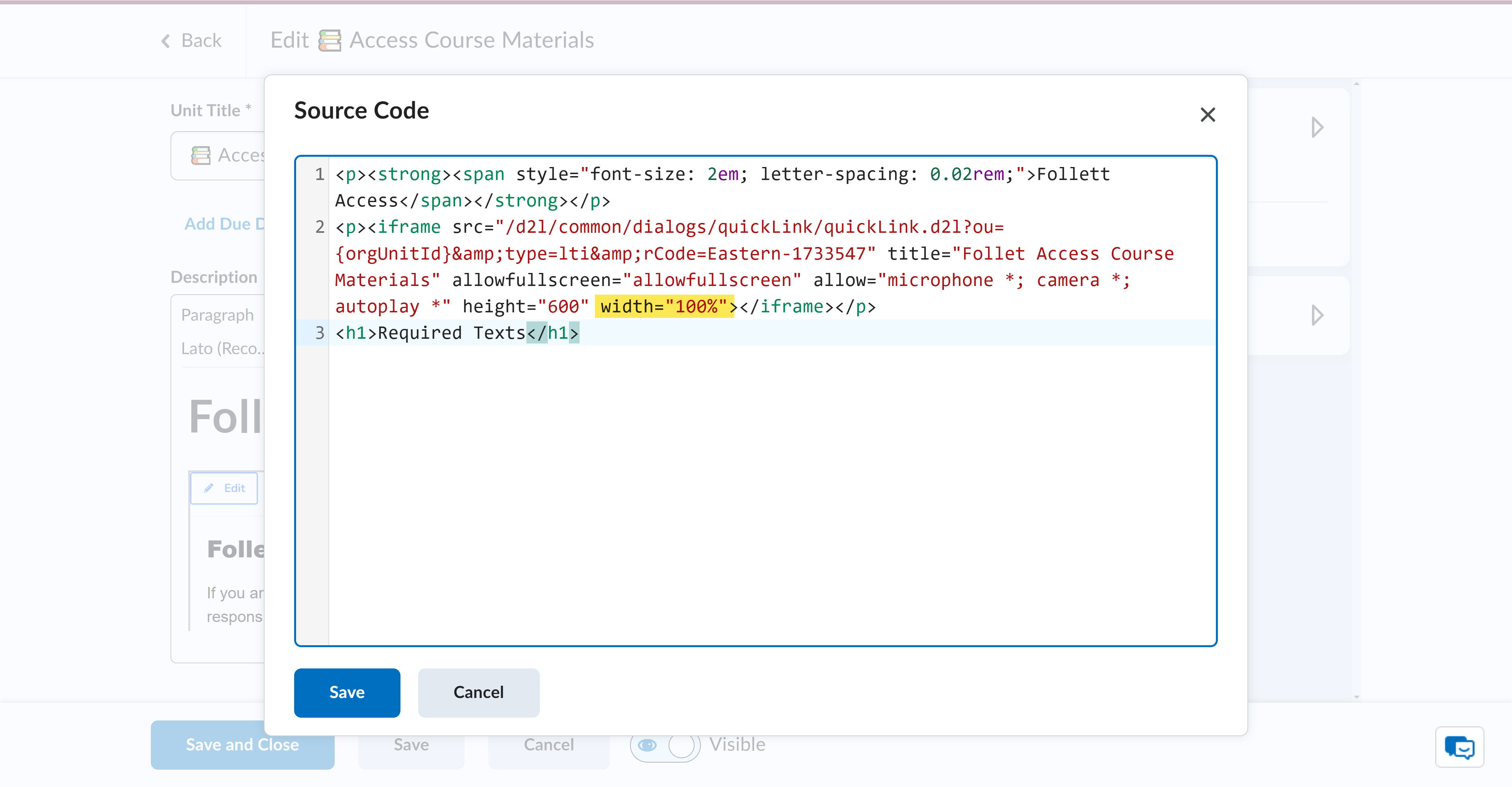
In the Brightspace editor, click the HTML editor
From there, find the HTML element and edit the width to 100%.
That should set the element to the width of the viewer.
Connect with our Known and Fixed Issue information to learn about improvements made to Brightspace.
Connect with leaders in pedagogy, accessibility, learning experience design and more
The Accessibility category serves as a single point of access to three avenues in Brightspace Community leading to the Accessibility Academy, Accessibility Library and Accessibility Discussions. These avenues offer courses and articles about accessibility to enhance accessibility knowledge and a group of accessibility enthusiasts to stay connected with.
Have questions about how to use Community? Stay tuned with updates, feedback opportunities and more for the Community here!
Connect with and ask questions on how to best use the Brightspace Product to transform the way your users learn!
Connect with product experts to learn more about tools frequently used by Brightspace Developers such as APIs and integrations!
Want to learn more about Brightspace Partners and Integrations? This is the place to be!
Stay up to date with product updates and announcements in this category.
Connect with our release information to learn about monthly improvements and updates to Brightspace.
Learn more about all the upskilling opportunities with courses and resources offered via the Brightspace Learning Center, Brightspace Guided Training and other training opportunities!