Hi everyone,
This is the process I use to set up a new course offering based on a template.
I'm having problems with the occasional documents where the permissions don't seem to be consistent across all users, and I can't work out where to change them either in the template or the offering. Hope this makes sense:
Settings > “Course Management”
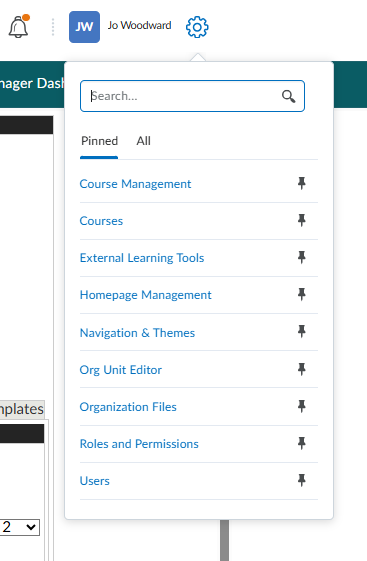
> Create a new course offering or template
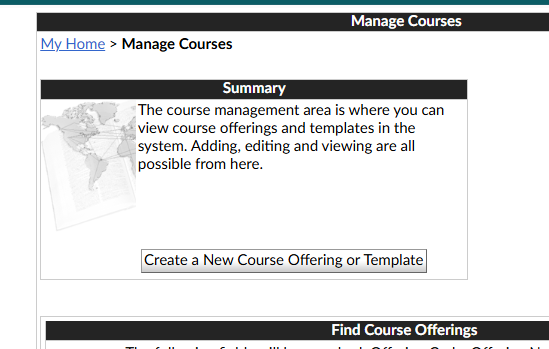
> Create a new course offering based on an existing template:
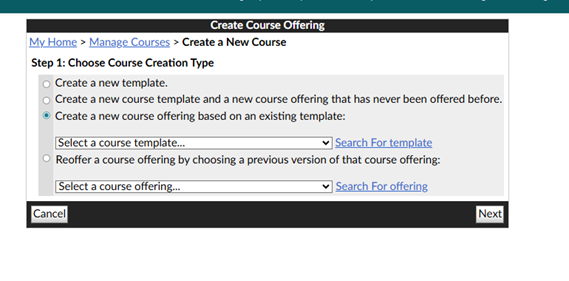
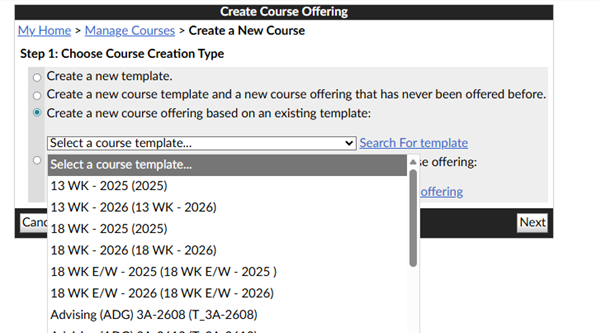
> 13 WK – 2026 (13 WK – 2026)
Next
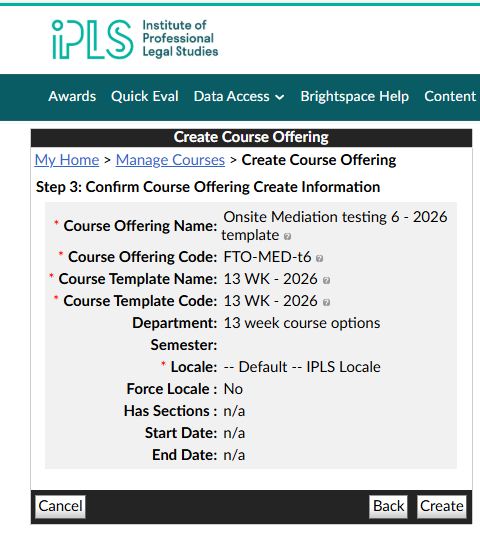
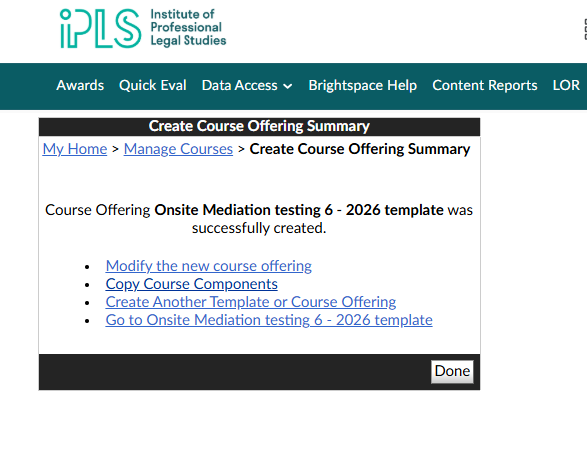
Create
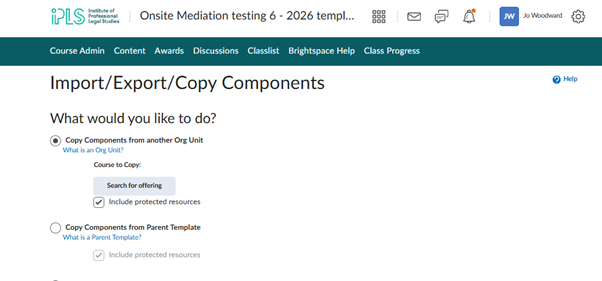
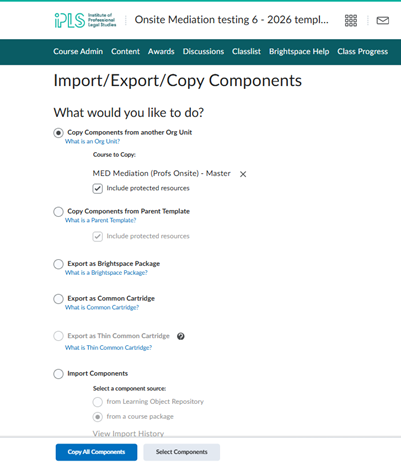
Copy Course Components
Search for offering
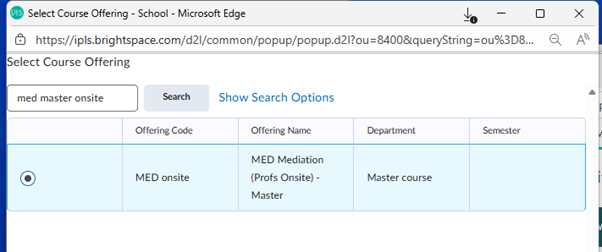
Add selected
Copy all components
Content
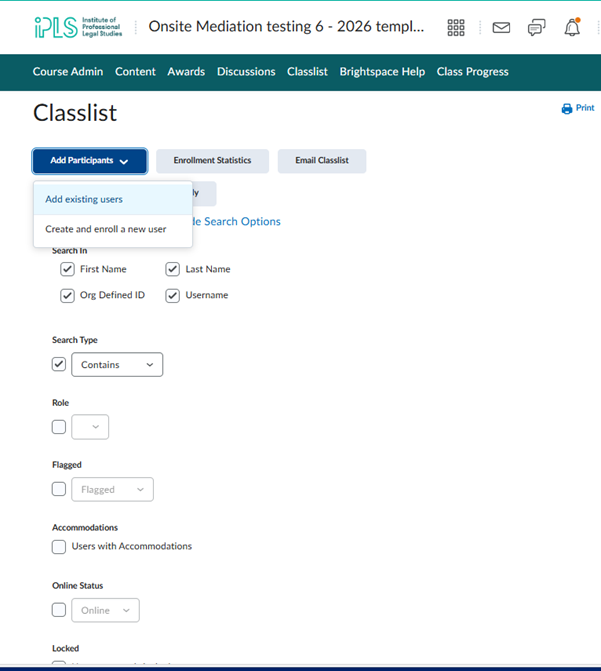
Classlist
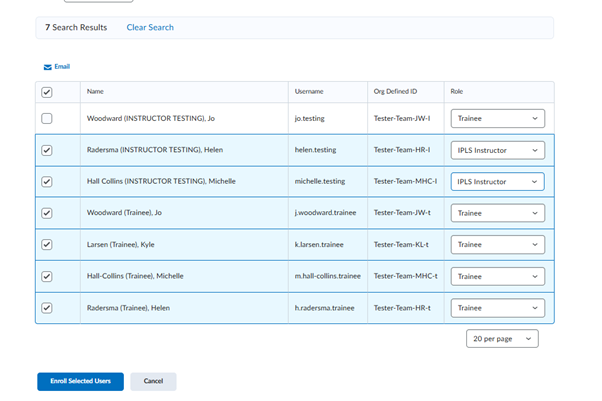
Enrol users to test as trainees (students) and IPLS Instructors (Fascilitators)
We’ve now created a new course offering.
One particular pdf document keeps bringing up permission errors for our facilitators and their login as students.
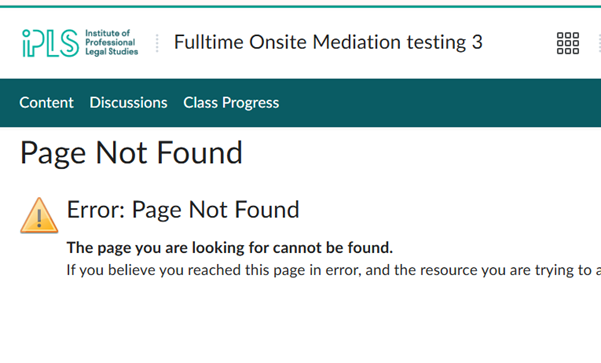
https://ipls.brightspace.com/d2l/lor/viewer/viewFile.d2lfile/6820/152%2C-1/
But I can access it as myself as super administrator as well as signed in as a trainee (student).
Any ideas about what is happening with the link to this document so that it is unavailable to all users whenever I propagate it?



