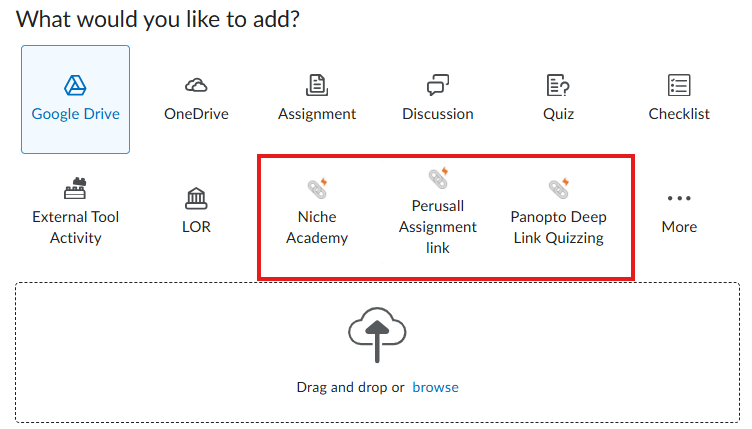
In the New Content Experience, when you select "Add Existing" a page opens that looks like the below. I'm wondering if there is any way to change which tools appear as the "top 3" on this page. We have very few faculty members who use Niche Academy and Perusall, but many who use our other external learning tools. It would be beneficial to them if I could "swap" the tools that appear here so that they do not have to click into "More" and then look for the tool.