How do you embed a video into a page while being able to enable captioning?

Hi everyone! We're new to Brightspace and getting our feet wet in developing courses and adding content. I would like to add a video within a page in my course, so that I can embed it between paragraph language (rather than have a standalone video page like I currently do - screenshot below).
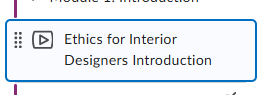
When I use the "Insert Stuff" widget when configuring my page, I can get the video added, but don't have the ability to add my caption file.
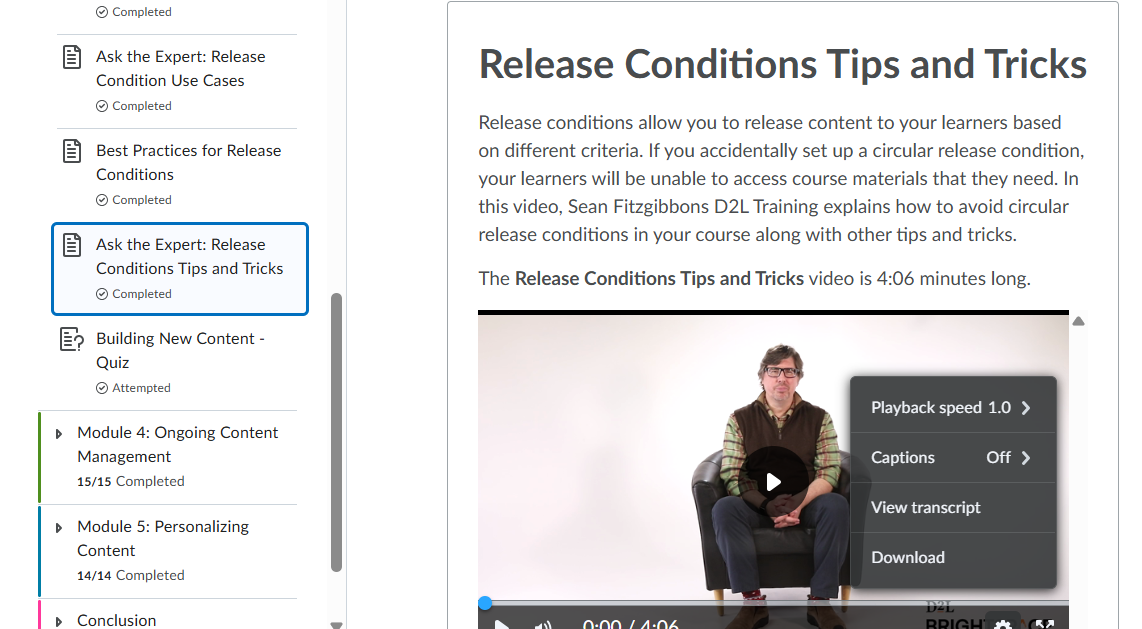
Has anyone embedded a video w/ captions in a page that can give some insights? We have Creator+ and H5P if that helps. D2L has a great example of this (video with captions within a page) in the Certificate training, but I don't know how to accomplish this.
Answers
-
Hello @Katie.F.3537, thanks for your great question!
Would you be able to confirm if you're directly uploading and inserting a video file into your Content page? Or are you bringing in a video that is stored within the Media Library inside your Brightspace environment?
Thanks!
~Stephen

