H5P Sizing in NCE

Hi all,
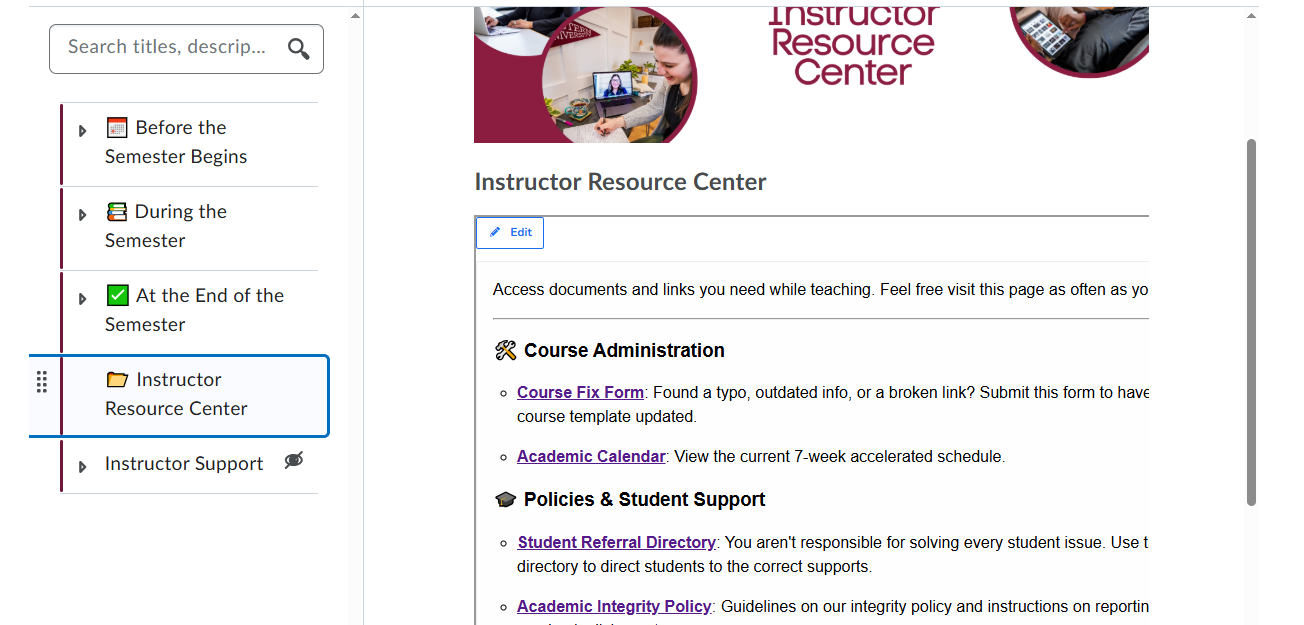
Sorry if this question has already been asked before. I am struggling with the sizing of H5P content in the NCE. It cuts off the content and people need to scroll right to see the rest of the text. Does anyone know how to fix this?
Answers
-
Hello @Alexa.T.534,
Thank you for reaching out to the Brightspace Community.
In this case, you may find this Automatic resizing of H5Ps article helpful for the workflow you are trying to achieve.
Please keep us posted if this resource was helpful to complete your intended workflow.
Kind regards,
Ana
-
Unfortunately this is on a unit, not a page, so Brightspace keeps stripping away the resizing script every time I save it.
-
@Alexa.T.534 Hi Alexa, I think this is happening because that is a description area rather than a real HTML page. Some code does not work in descriptions.
-
@Jennifer.W.973 Does that mean it is not possible to make the H5P resize to fit the screen in a unit description?
-
Hi @Alexa.T.534
Thank you for reaching out to the Brightspace Community.
I think it would be a good idea to create a support case with more details as this issue requires more investigation. Please provide us the course detials where the issue is occurring and let us know if the H5P content seen here was inserted via traditional embed code or through H5P Embed Code option.
We look forward to hearing from you through the support case.
Kind regards,
Ashwin
-
Putting this here in case anyone else comes across this problem and needs the workaround my team found.
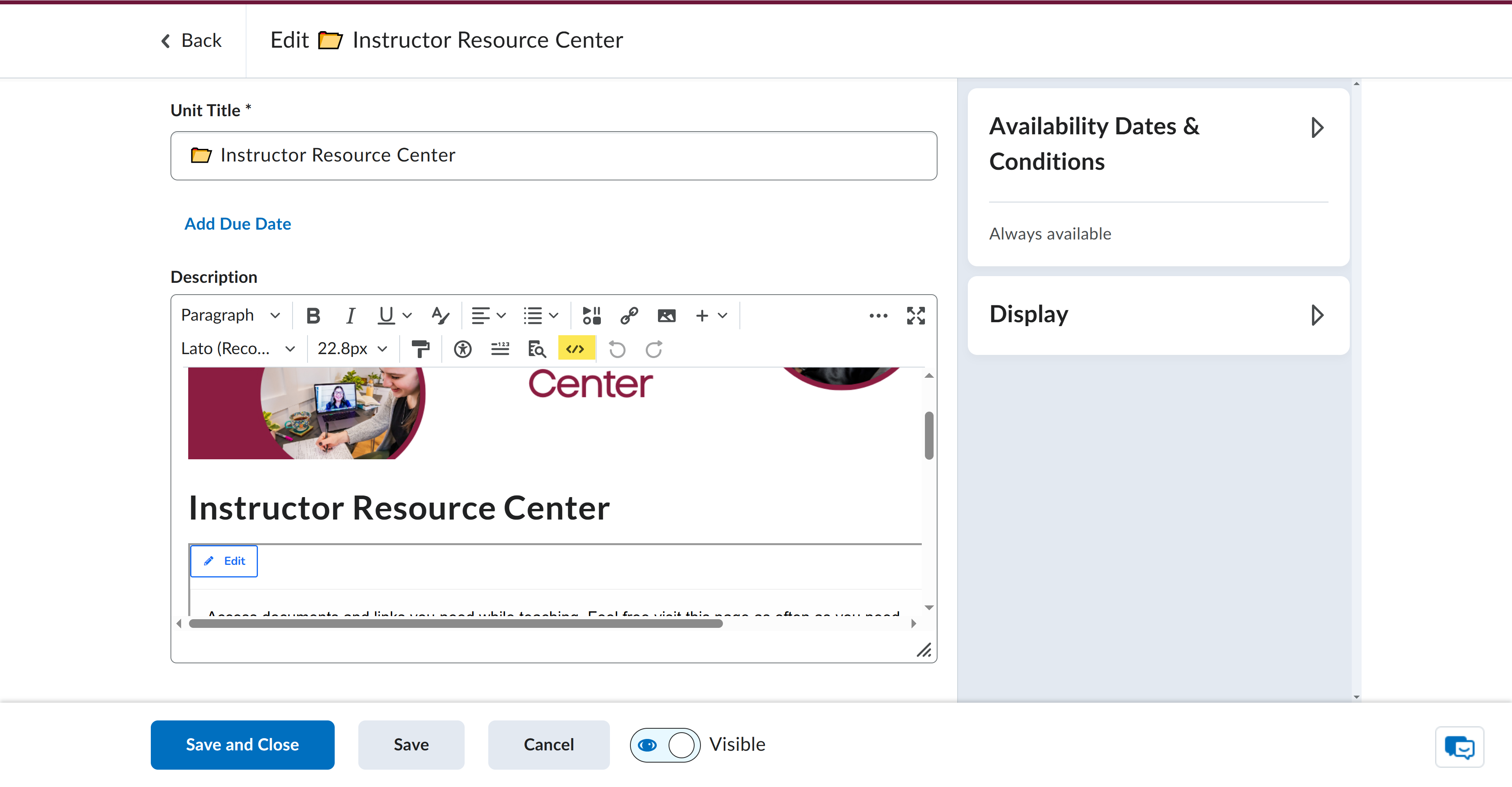
In the Brightspace editor, click the HTML editor
From there, find the HTML element and edit the width to 100%.
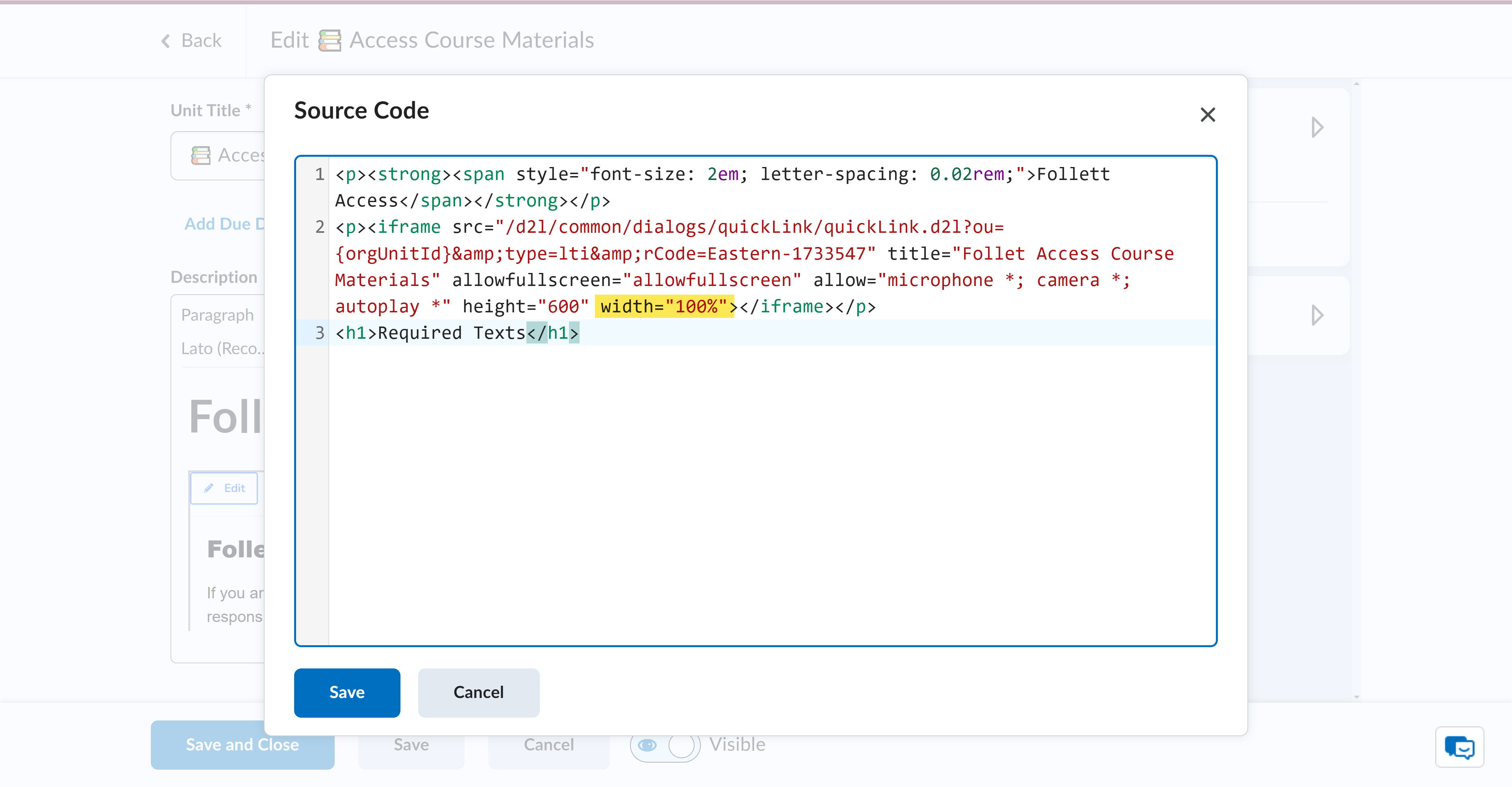
That should set the element to the width of the viewer.


