Selecting a date range in Lumi Insights

Jessica.R.2093
Jessica.R.2093 Posts: 2 🔍
edited April 14 in Known and Fixed Issues

When I adjust the date range in Lumi Insights by selecting a new start date and purposefully leaving off an end date, I get the following error: "Application error: a client-side exception has occurred (see the browser console for more information)." The error message does not tell end users what we did wrong. Could this be revised to point back to correct the date range instead?

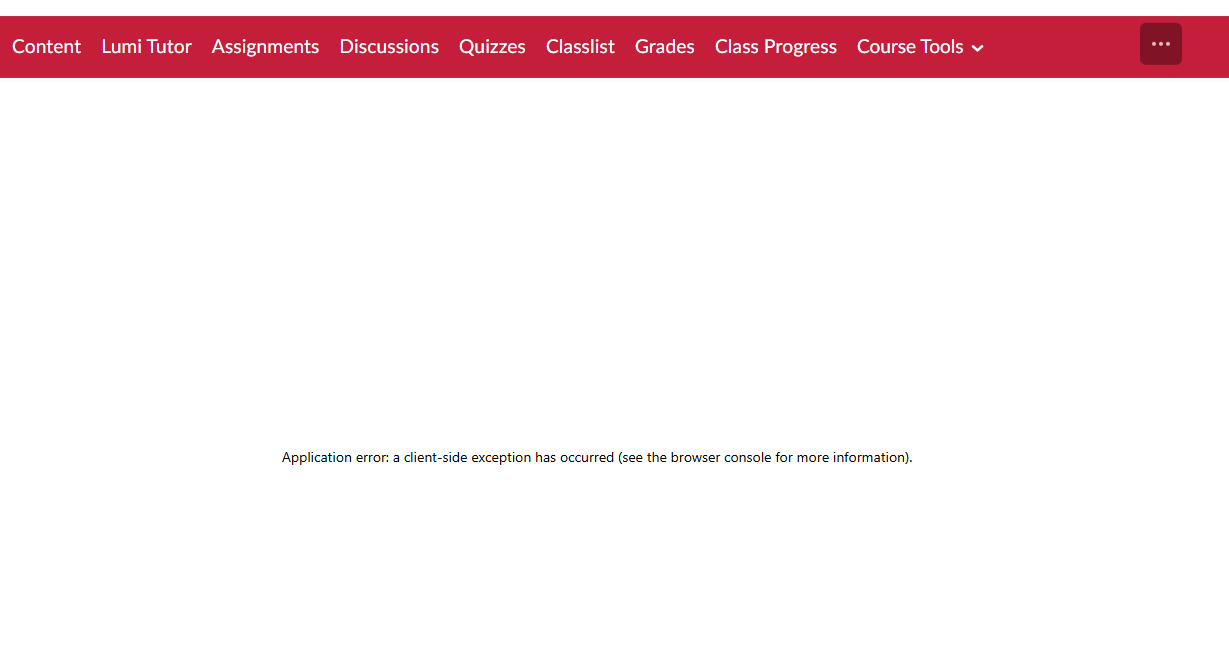
image.png image.png

Answers

  • Yama.N.503
    Yama.N.503 Posts: 3 🤝🏼 image

    Hi @Jessica.R.2093

    We are thrilled that you have reached out to the Brightspace Community.! 

    Stay tuned! 

    Yama

  • Yama.N.503
    Yama.N.503 Posts: 3 🤝🏼 image

    Hello @Jessica.R.2093,

    Thank you for raising this in the Brightspace Community and for sharing the details around the error message behavior in Lumi Insights.
    We have reviewed this behavior and have created an internal defect to track the issue related to the date range selection and the resulting client‑side error message.
    Our team will continue to review it, and any updates will be shared as progress becomes available.

    We appreciate you taking the time to report this and help improve the experience for all users!
    Yama