Is there a way to view Instant Message history?

Best Answers
-
You should be able to see it by going to the Instant Message tool through the envelope icon near your name in the navigation area. Once in the tool, there should be a tab called Classlist and from there you can click on the arrow to the right of the learner's name and see a history of the messages with them.

-
Thank you! This worked. :)


Answers
-
@Bonnie.R.836 Hi! I'm helping an instructor view her instant message.
We selected the envelope icon at the top, but we do not see a classlist tab. Did this get moved to Classlist?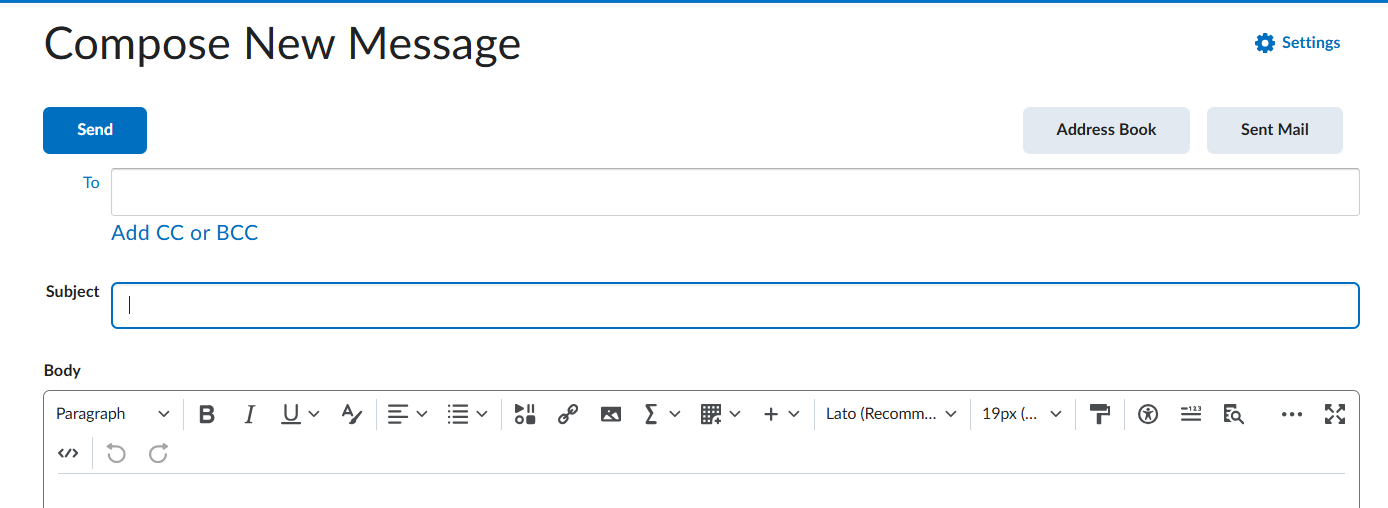
-
@Jane.O.1385 Hi, looks like you are in the Email tool rather than the Instant Message tool. If you don't have two options when you click on the envelope icon then your administrators might have the Instant Message tool turned off. You'll need to confirm that with them.
