Account Creation date/time

Is there a way to search for all users who's accounts have been created since some point in time? We have processes that we want to perform on new students (enrolling them into an orientation course shell, resource shells, etc.) however the application that actually creates the user accounts from the SIS using IPSIS doesn't track this. We would like to create an hourly polling application to see if there have been any users created in the last hour and then enroll them in their various associated course shells.
We currently do this using the datahub data, but it is a day behind. We were hoping there would be a way to update more frequently, At the beginning of a term, things are happening a lot faster than later in the term. Our IPSIS program runs every hour, so I would like to write a program that lags behind it's timing by 30 minutes and applies the process to all the new users.
I have combed through the various users and enrollment routes but can't find anything that even mentions the routes and enrollment (org id 6605) and I can't find any mention of the signup date value (I use this with org id 6605 to determine when the account was created when using the datahub). In fact, I ran nearly all the retrieval routes and don't even see where that value is provided!
I would hate to do it but I can loop through all active users looking at signup date if there is no query available, if only I could find how to see the signup date within the API.
Any help would be much appreciated.
Comentários
-
You might be able to do this with Intelligent Agents. A colleague of mine set this up by targeting the enrolment of the current org unit to enrol into another org unit.
You should be able to do this by going to Intelligent Agents in your top org unit. Set the Criteria to be the org role of the people you want to enrol. For Actions, select "Take action only the first time the agent’s criteria are satisfied for a user", enable "Change user enrollments when the criteria are satisfied", and select the Enrollment Action of "Enroll user in a course". Then select the destination course and the role in that course to complete the setup.
-
@Randall.S.394
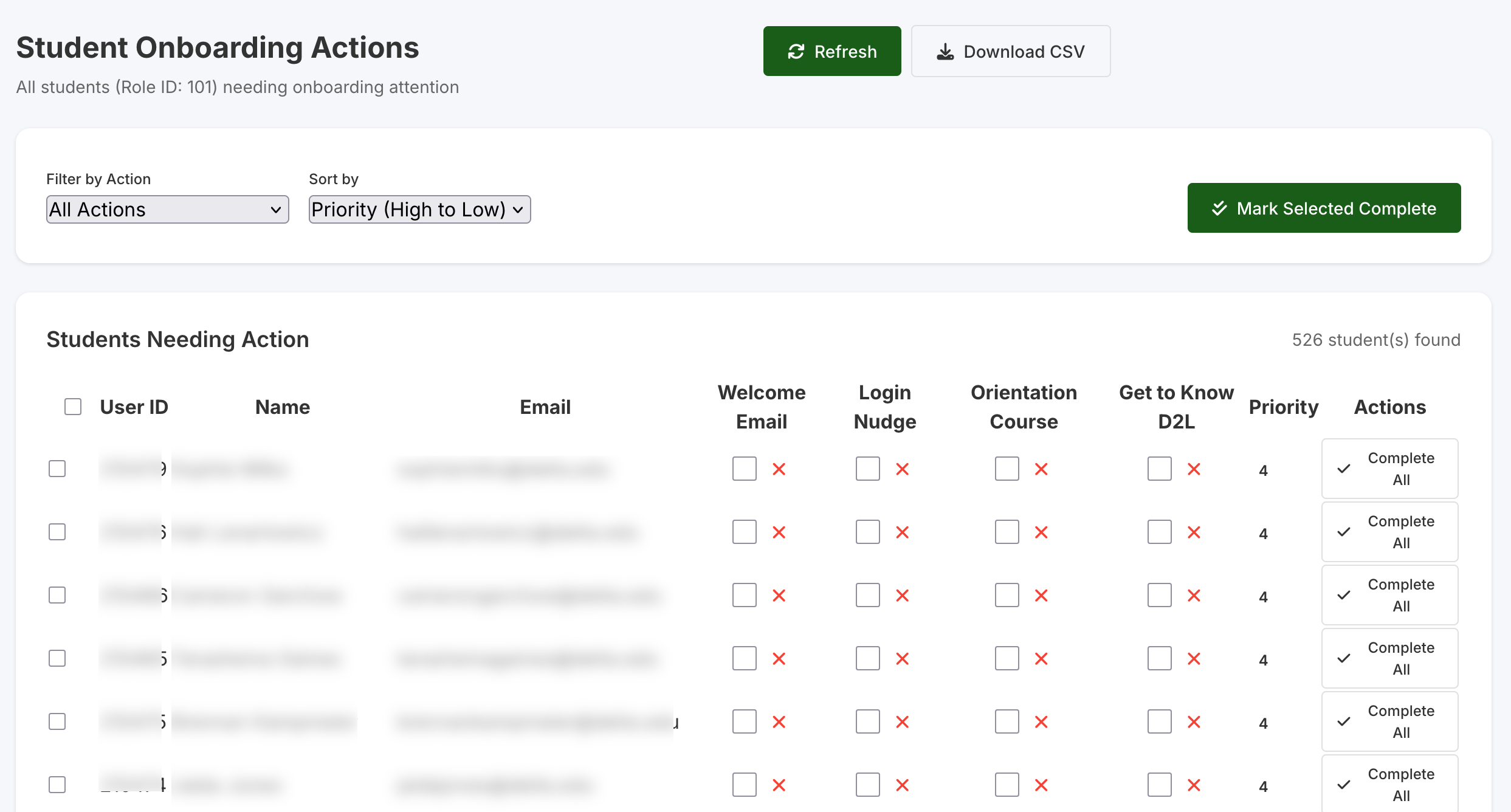
@Shawn.F.343 has a great solution. This is what I had originally planned for our Student Orientation Class but our Admissions office didn't like it, no idea why.Randall, what you are doing right now is what I'm doing for tracking new users for our online student onboarding project, but I'm having other ideas now based on Shawn's suggestion. We know that Data Hub is a day late and looping through 6605 Classlist loads slow especially if you are from a bigger school and the user's api has the same issue.
If you were to do what Shawn suggested and add the students to a closed course you could run a JavaScript report manually on the hour or build a Python script to automate the process and auto enroll them into all the classes you need in one process. You could do this every hour using the Classlist API call. This could solve your problem. After a number of days, bulk remove them. I'm going to build this Monday, sounds like a fun project.